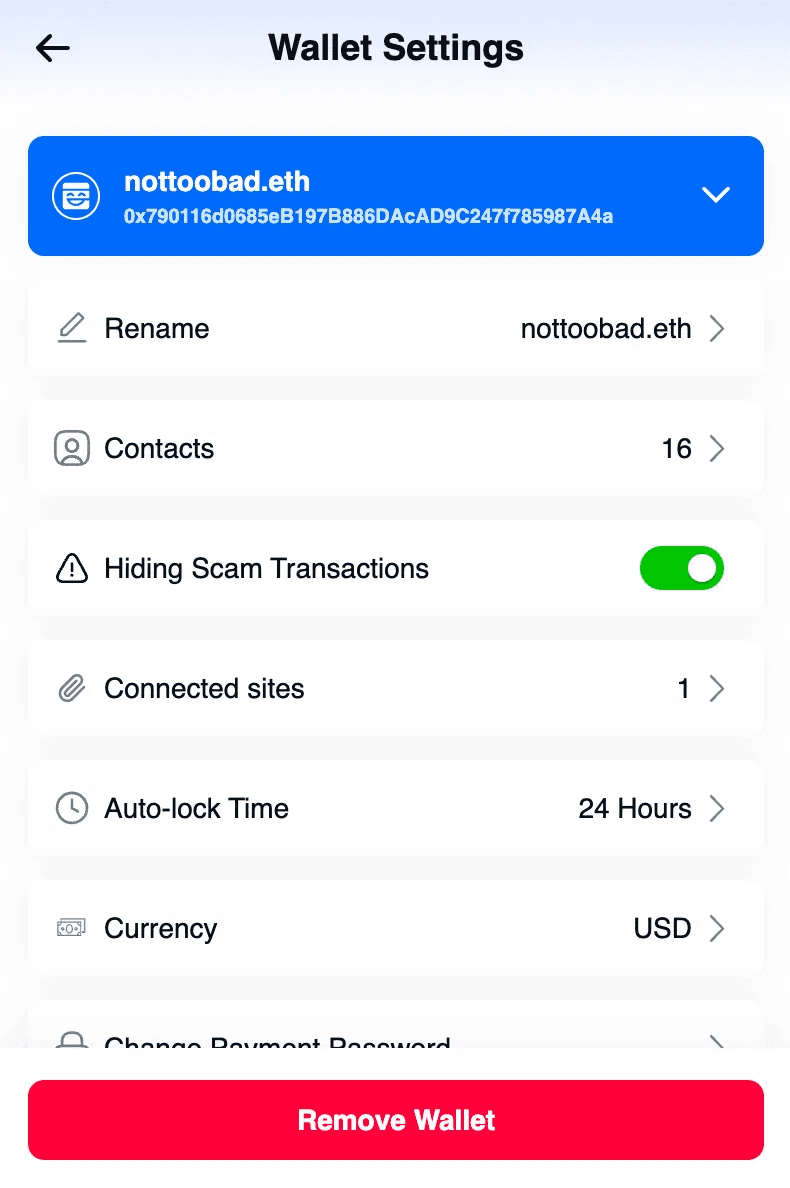
Backup your wallets
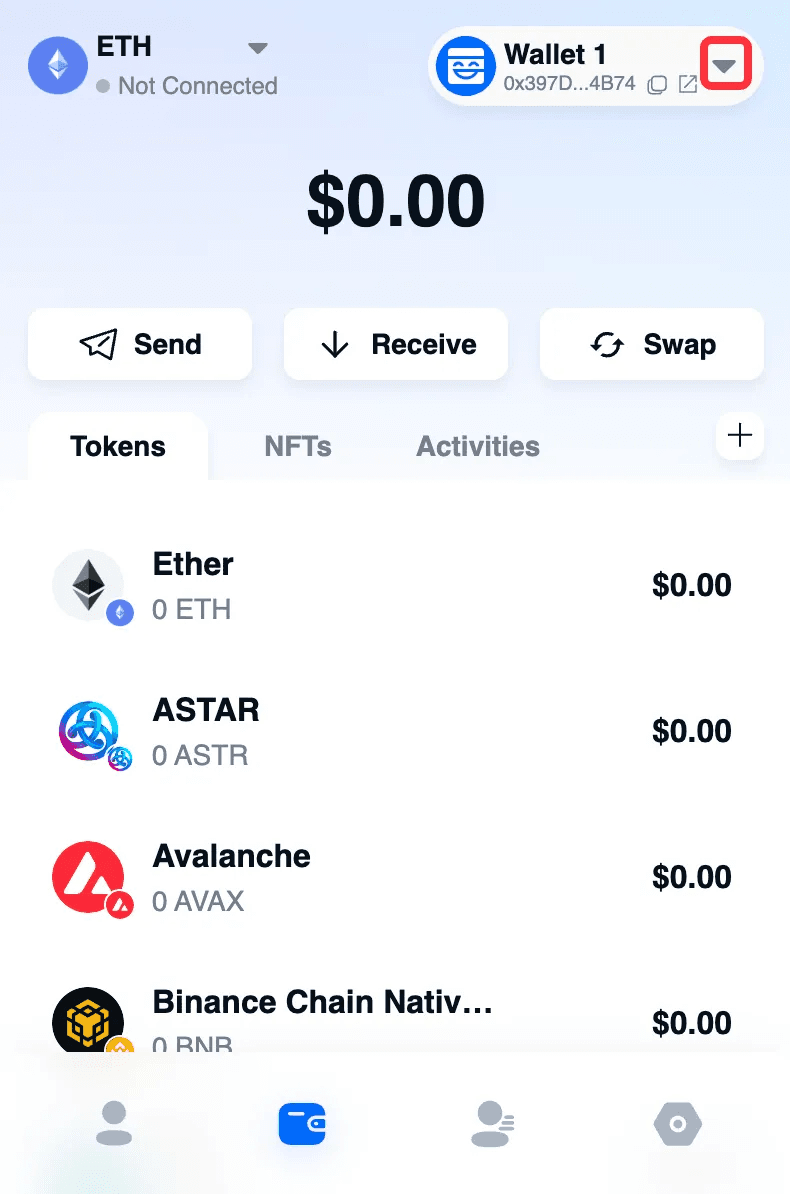
Click the down arrow.
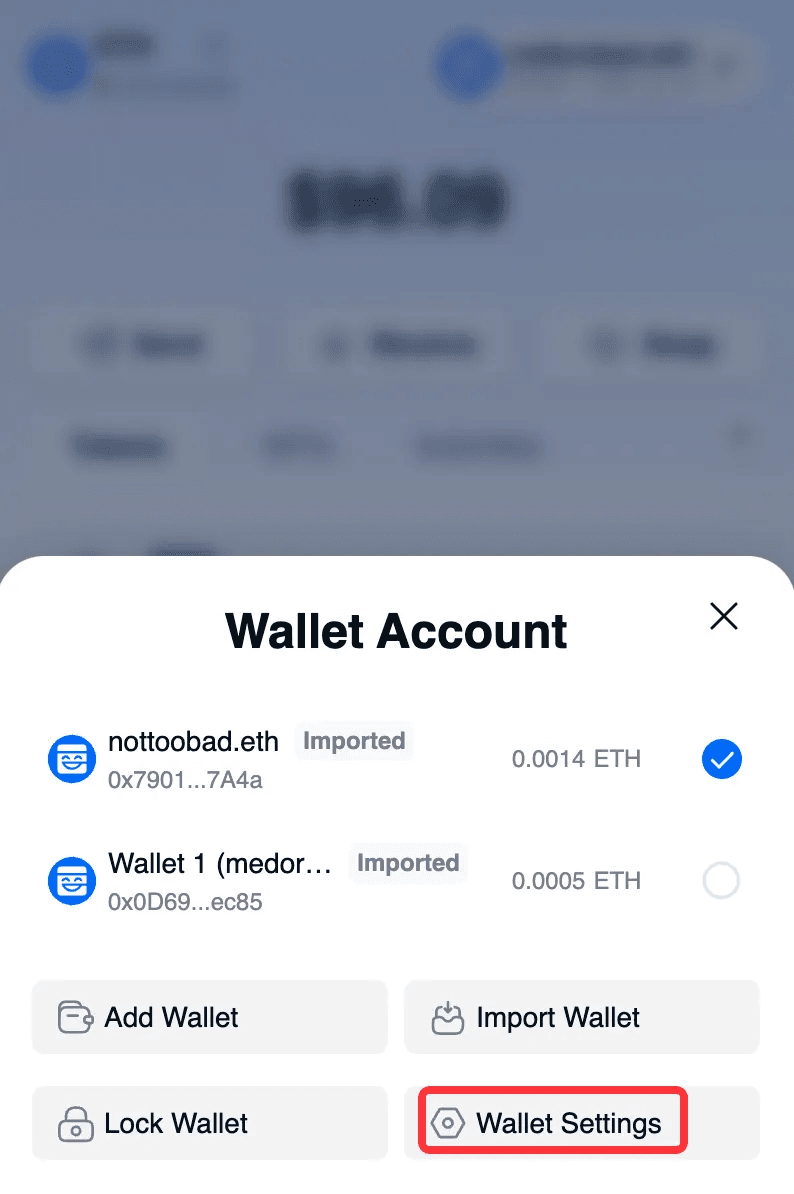
Click “Wallet Settings”.
Scroll down and click “Backup Wallet”.
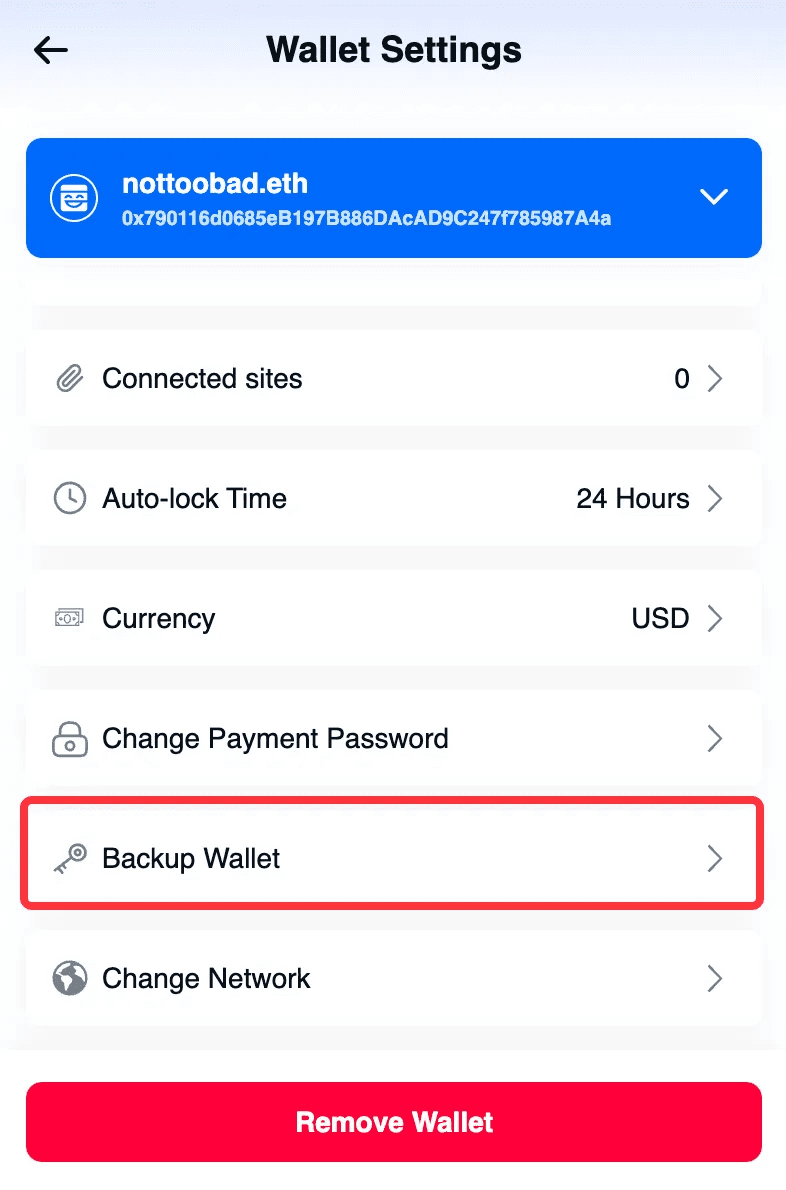
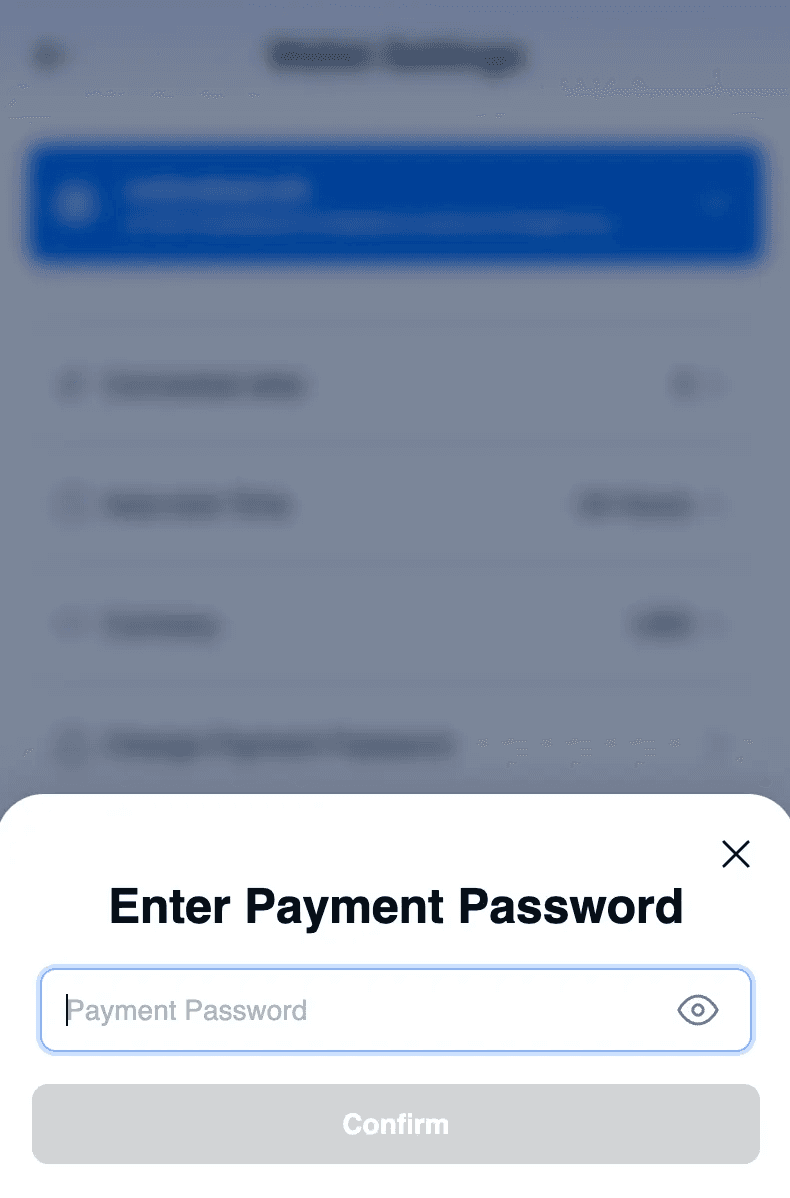
Enter Payment Password.
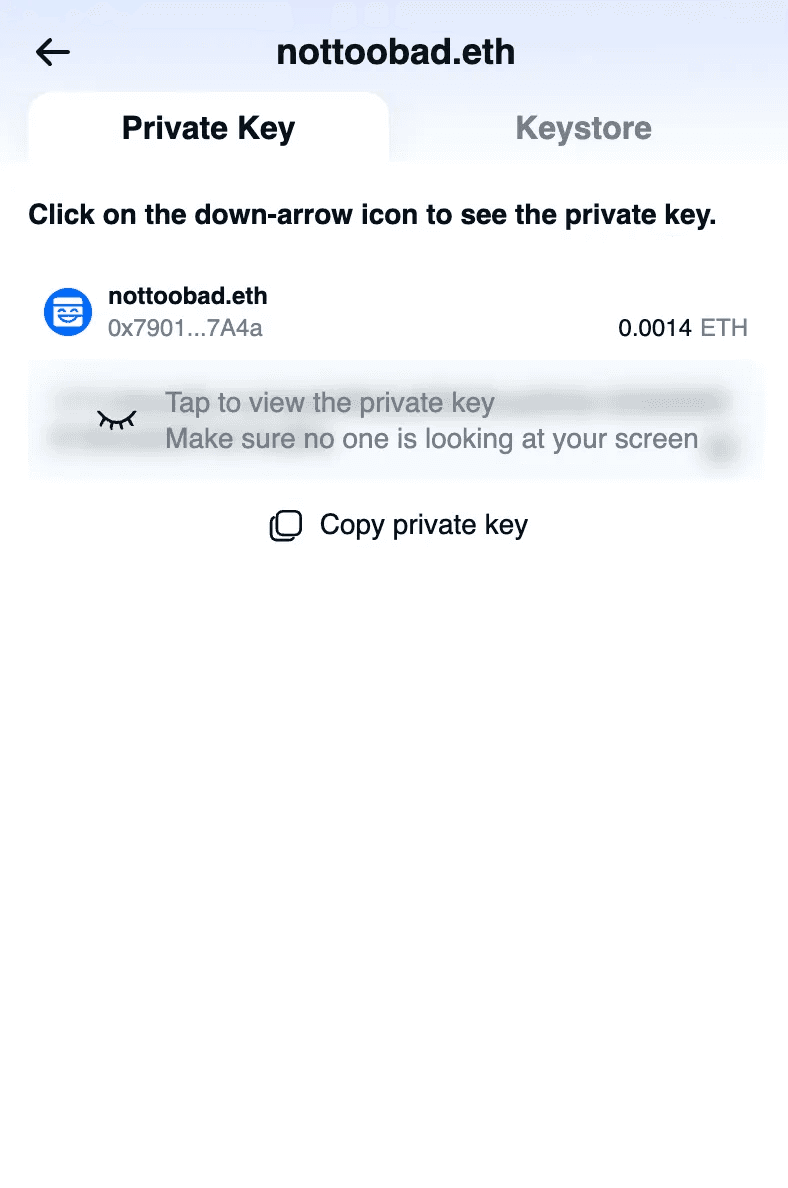
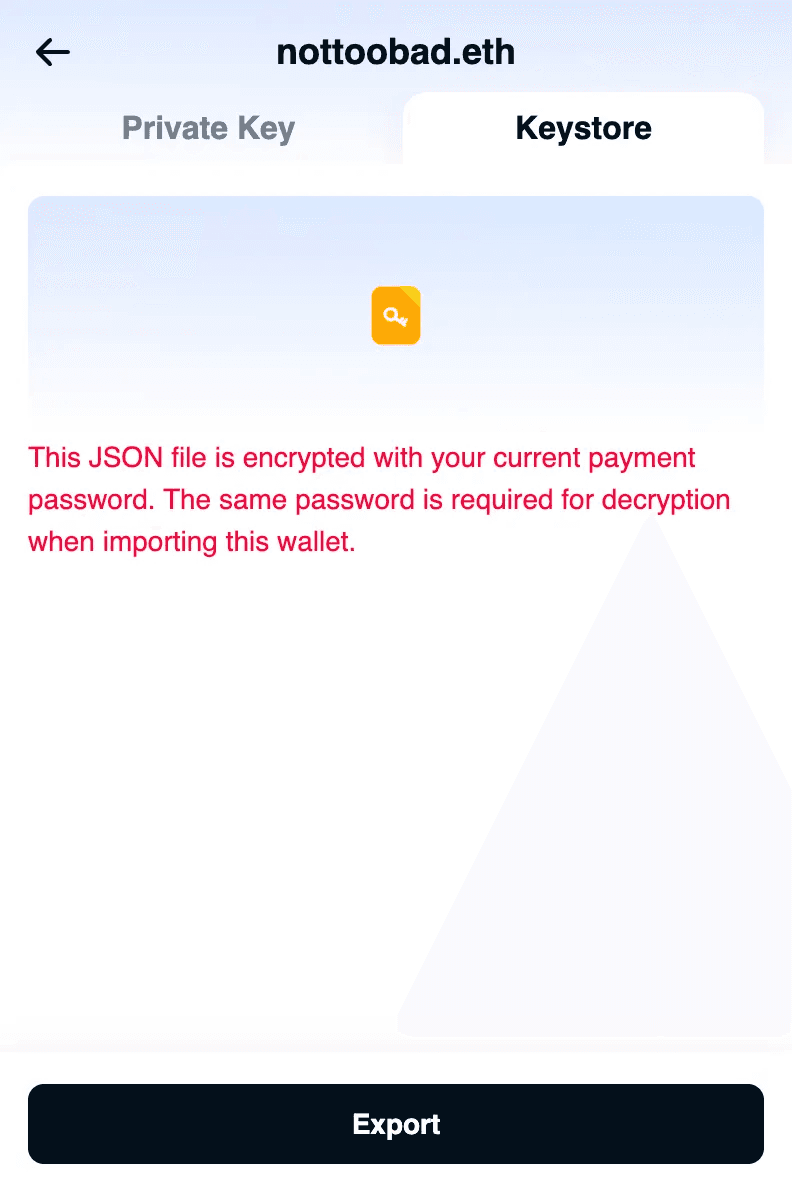
You can back up the wallet's Private Key or Keystore.
💡 In the Wallet Settings page, you can also:
Rename the wallet
Manage wallet contacts. Manage Contacts
Set to hide Scam transactions (hidden by default)
Manage connected websites
Set wallet auto-lock time
Set default currency
Reset wallet
Change payment password
Remove wallet