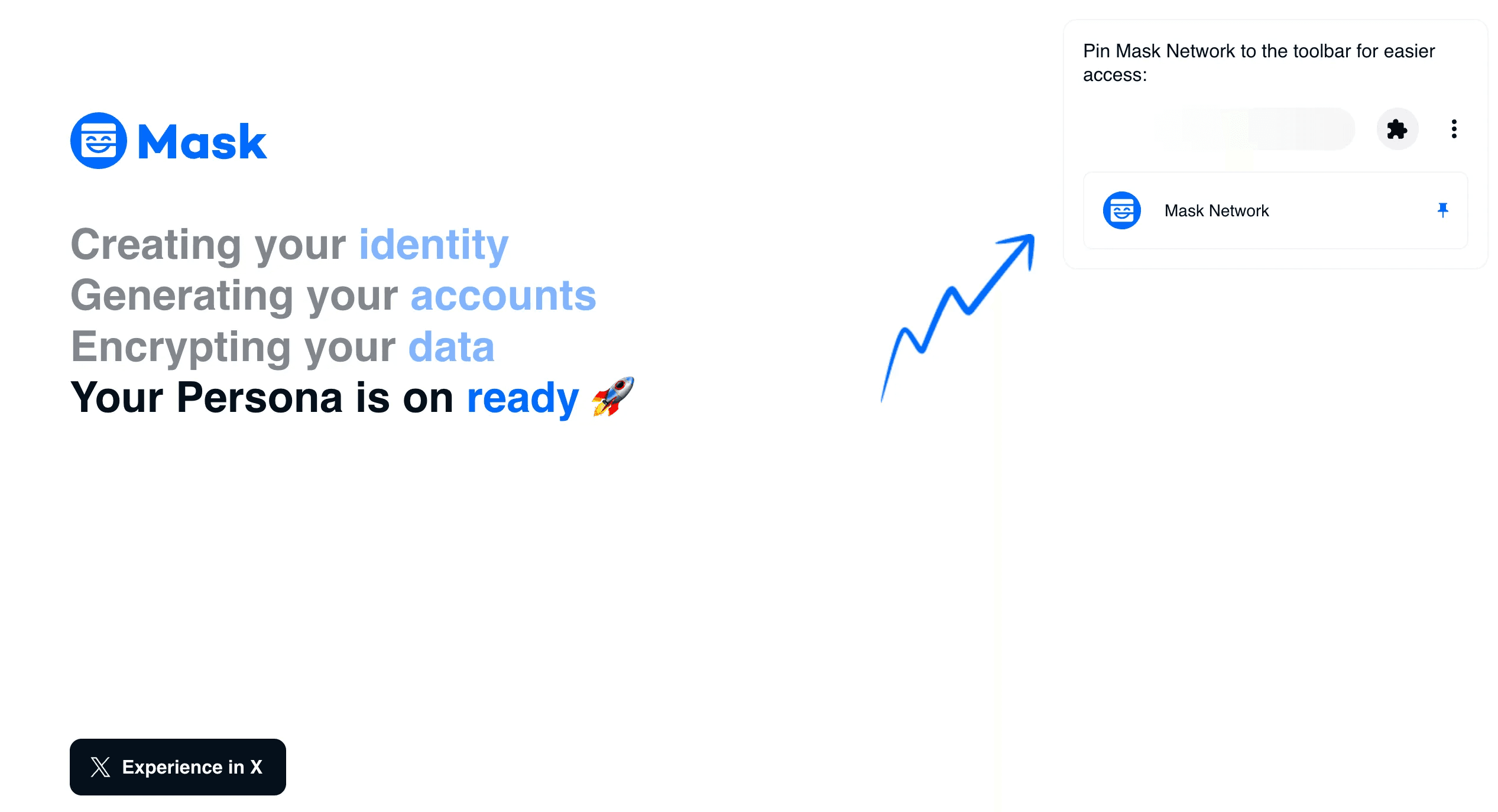
Installation & Set up
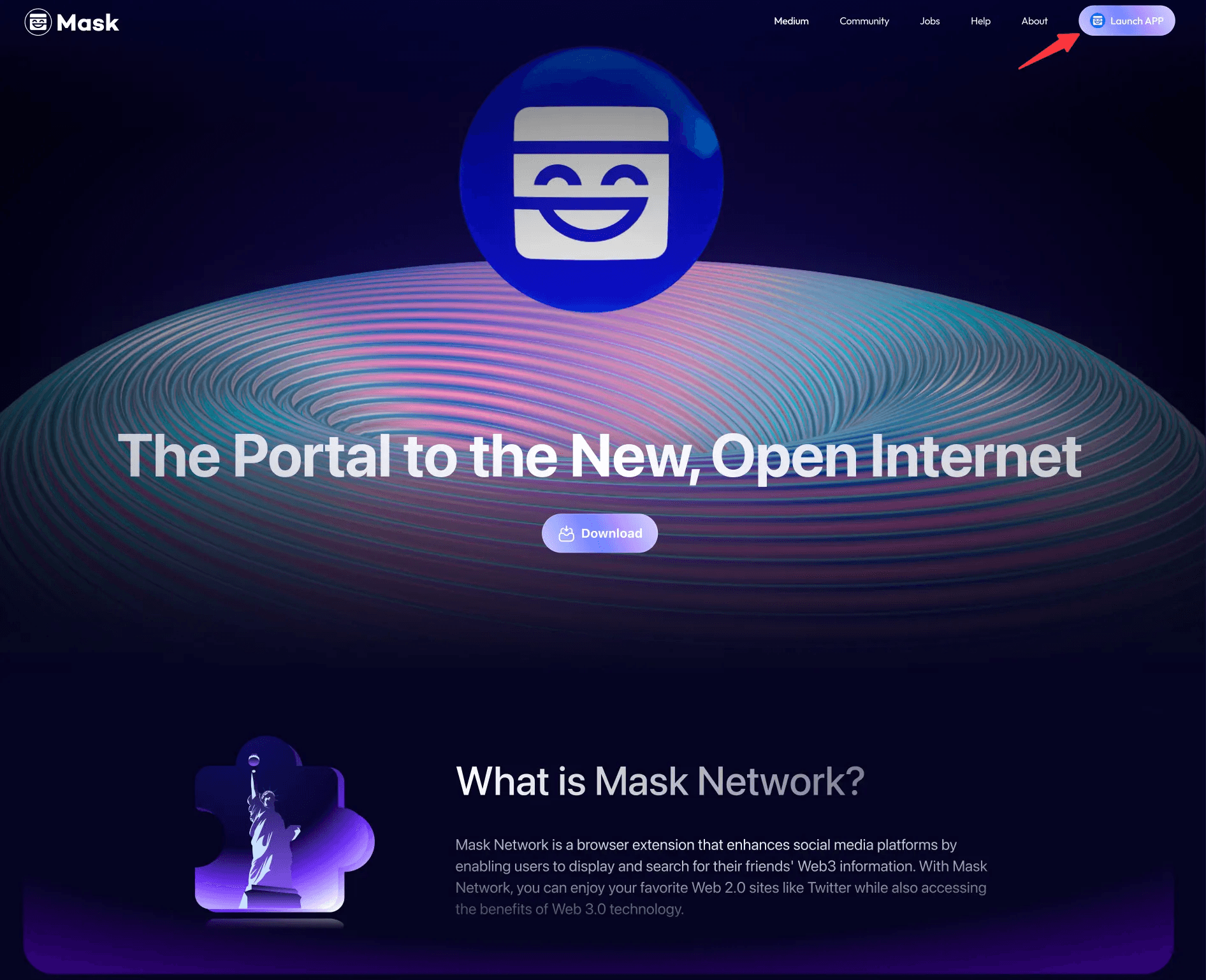
Visit mask.io and click "Launch App” at the top right corner.
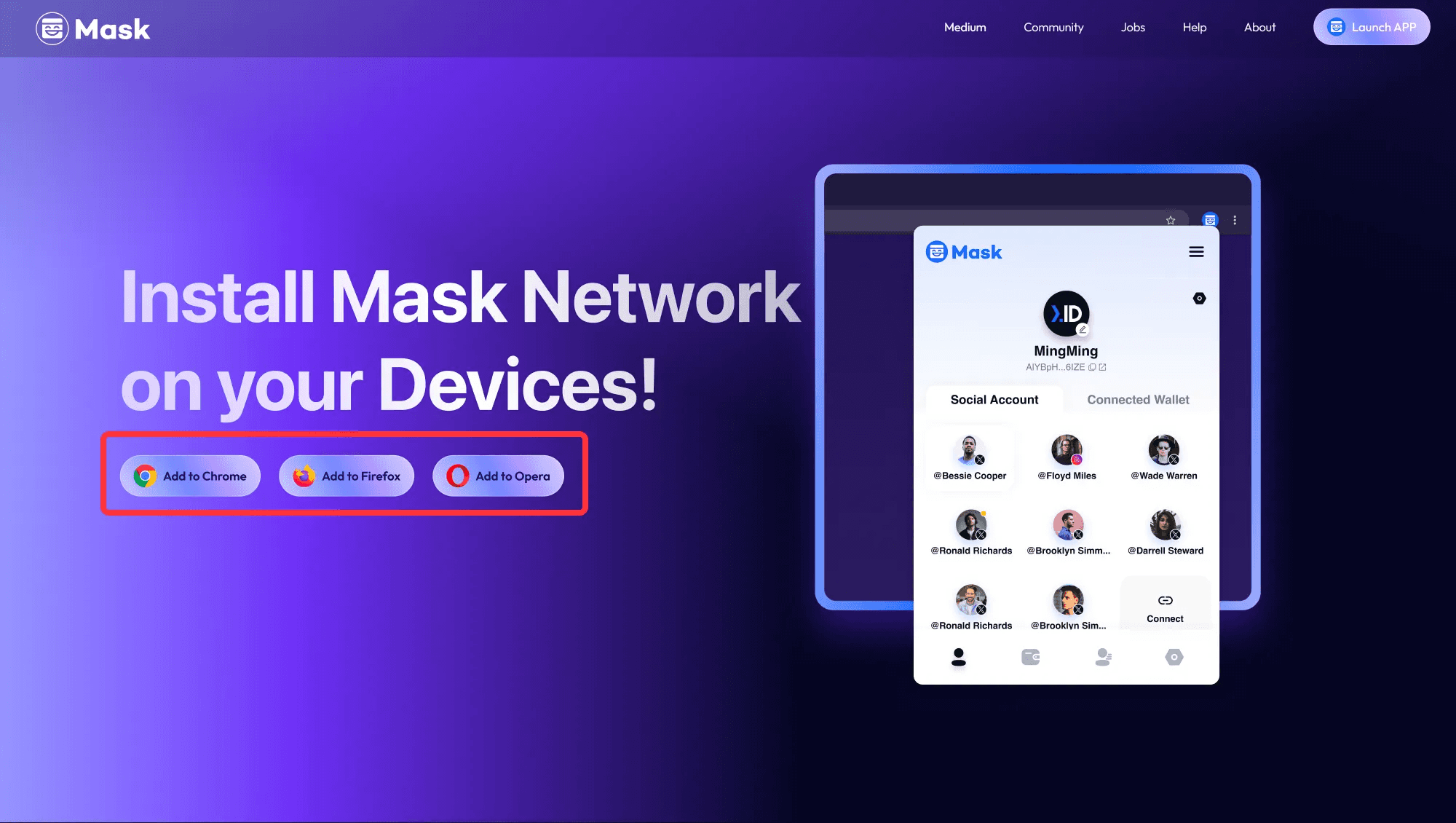
Select the browser you’re using.
Or you can directly search “Mask Network” in the Google Store. Click "Add Extension".
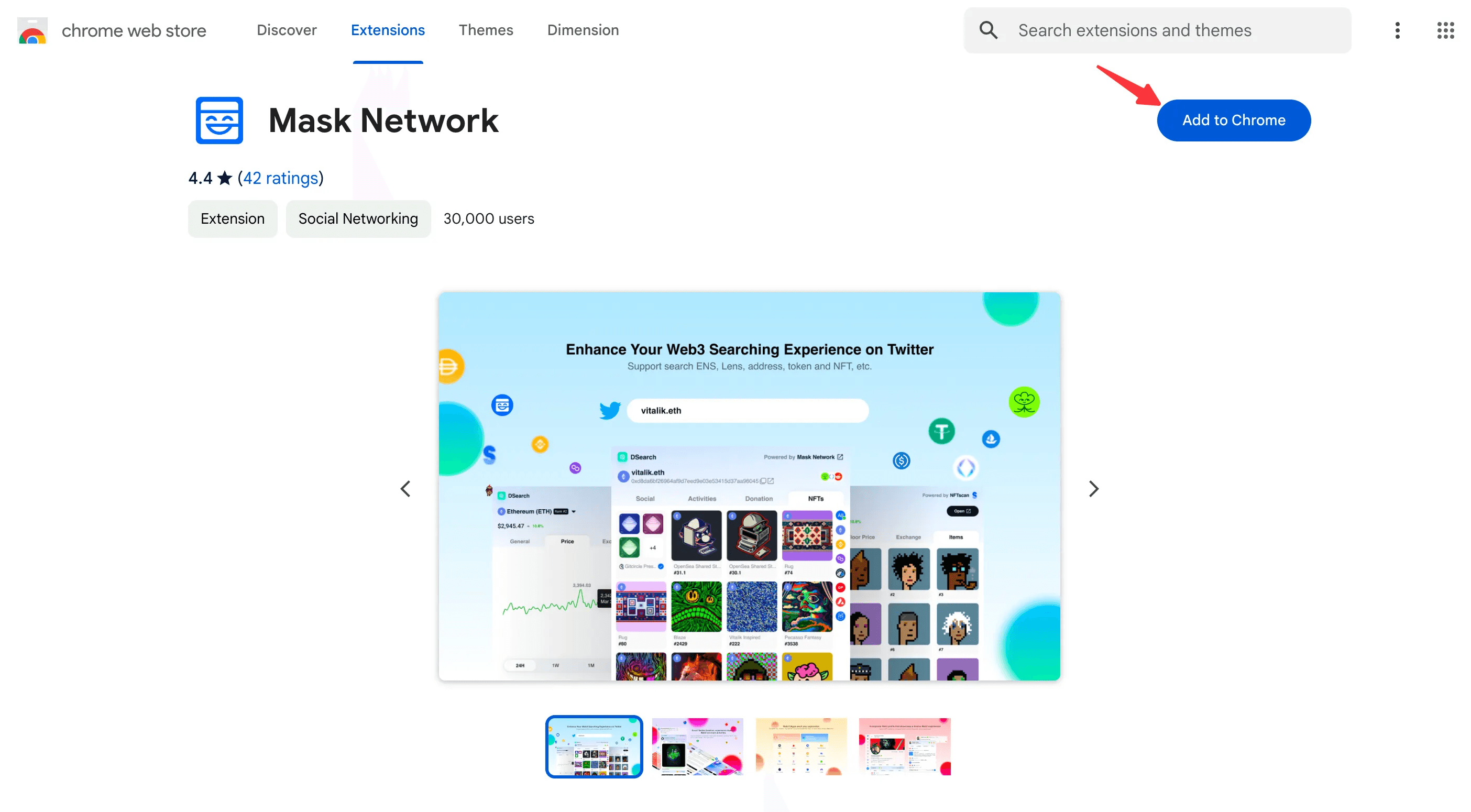
Click "Add Extension" again, and the download will begin automatically.
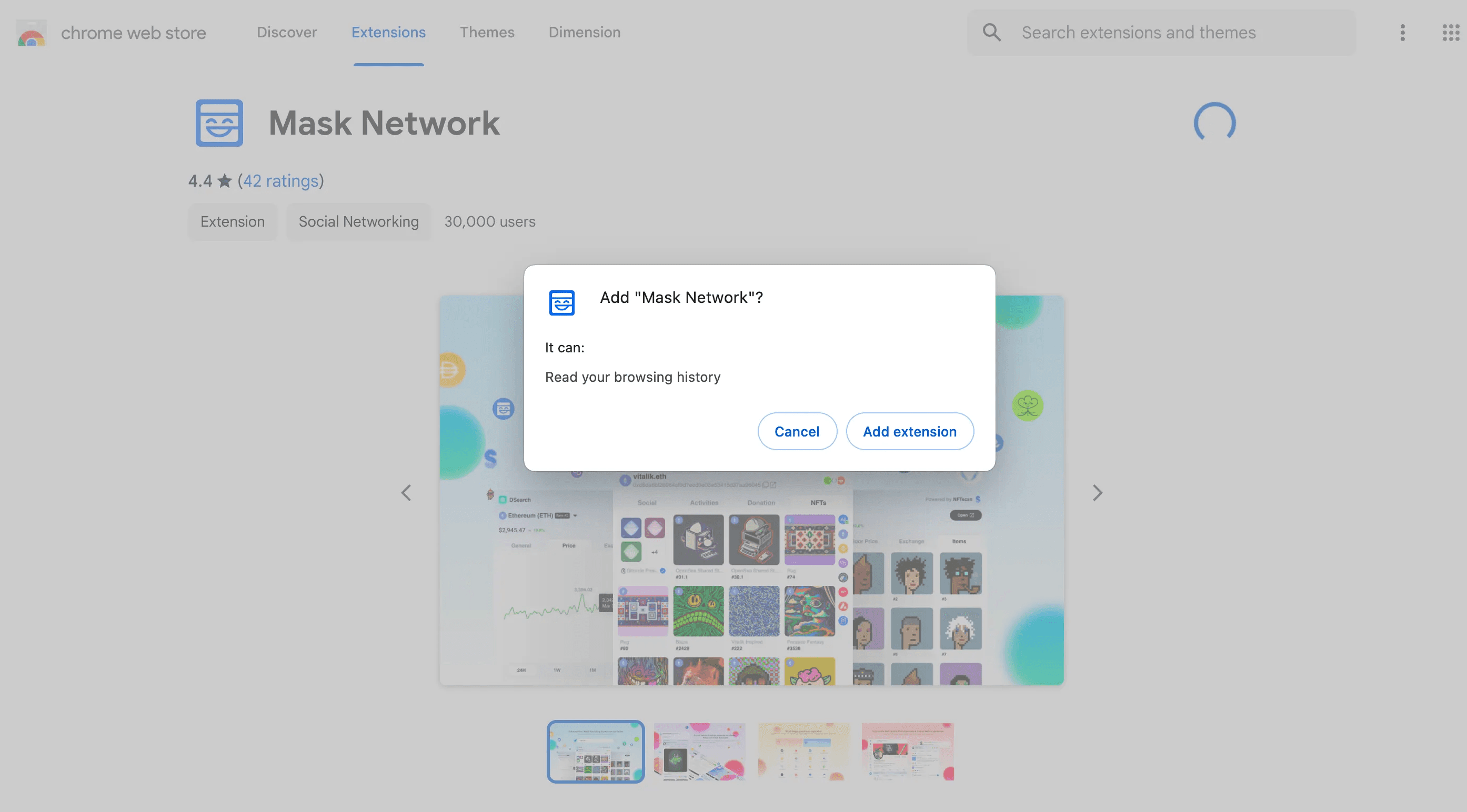
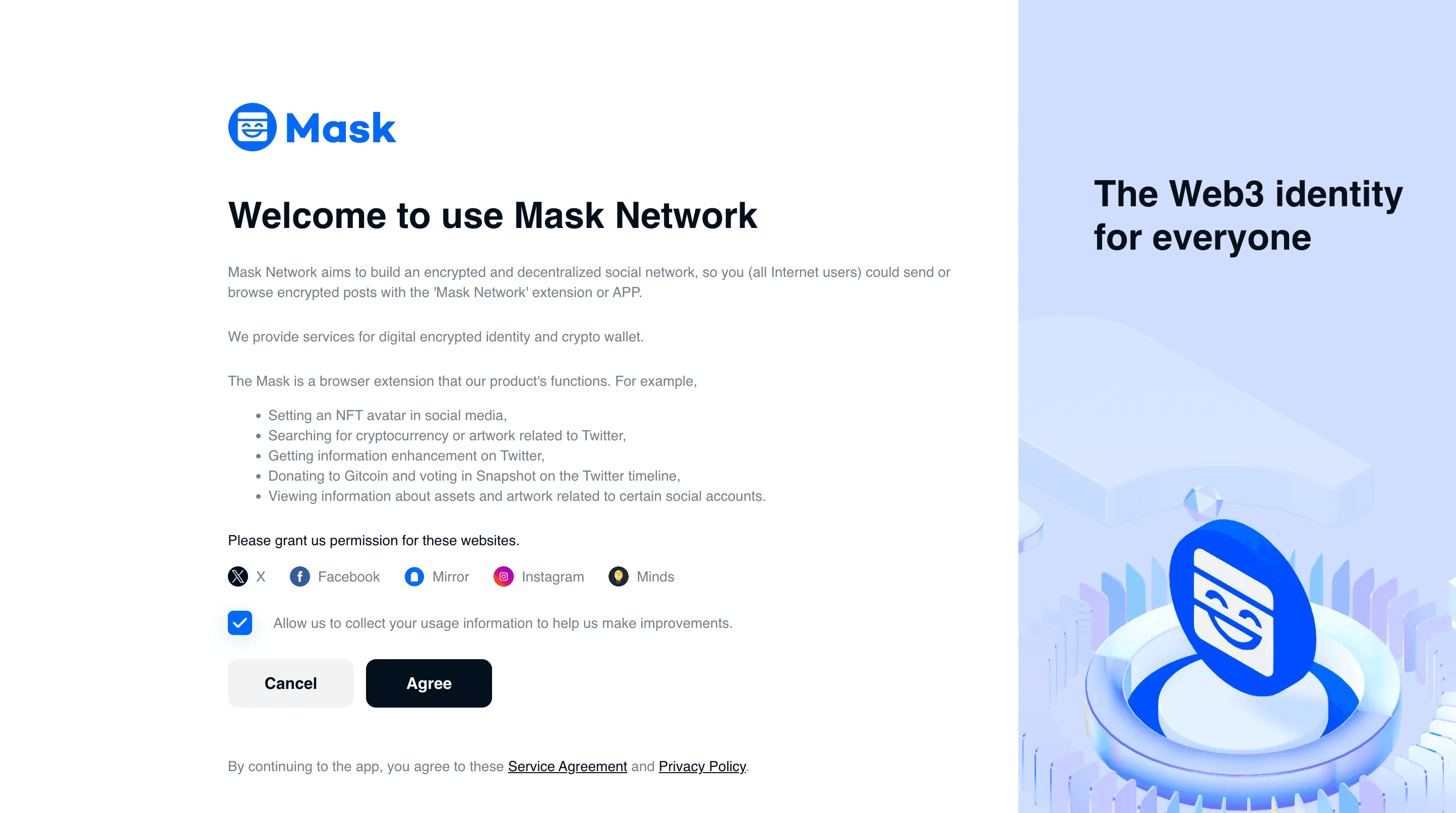
After downloading, double-click to install and enter the user guide page.
After reading, click “Agree”.
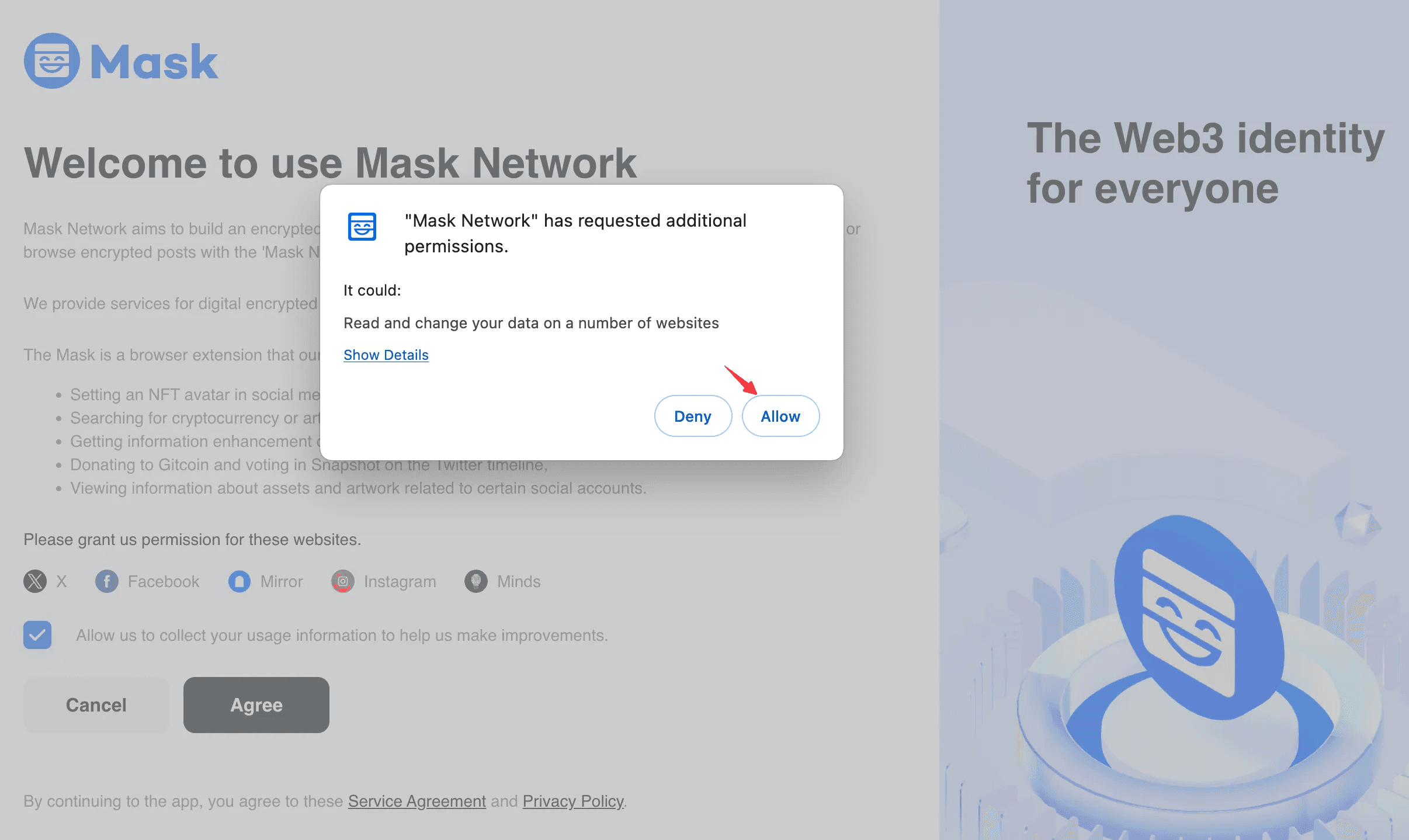
Click “Allow”.
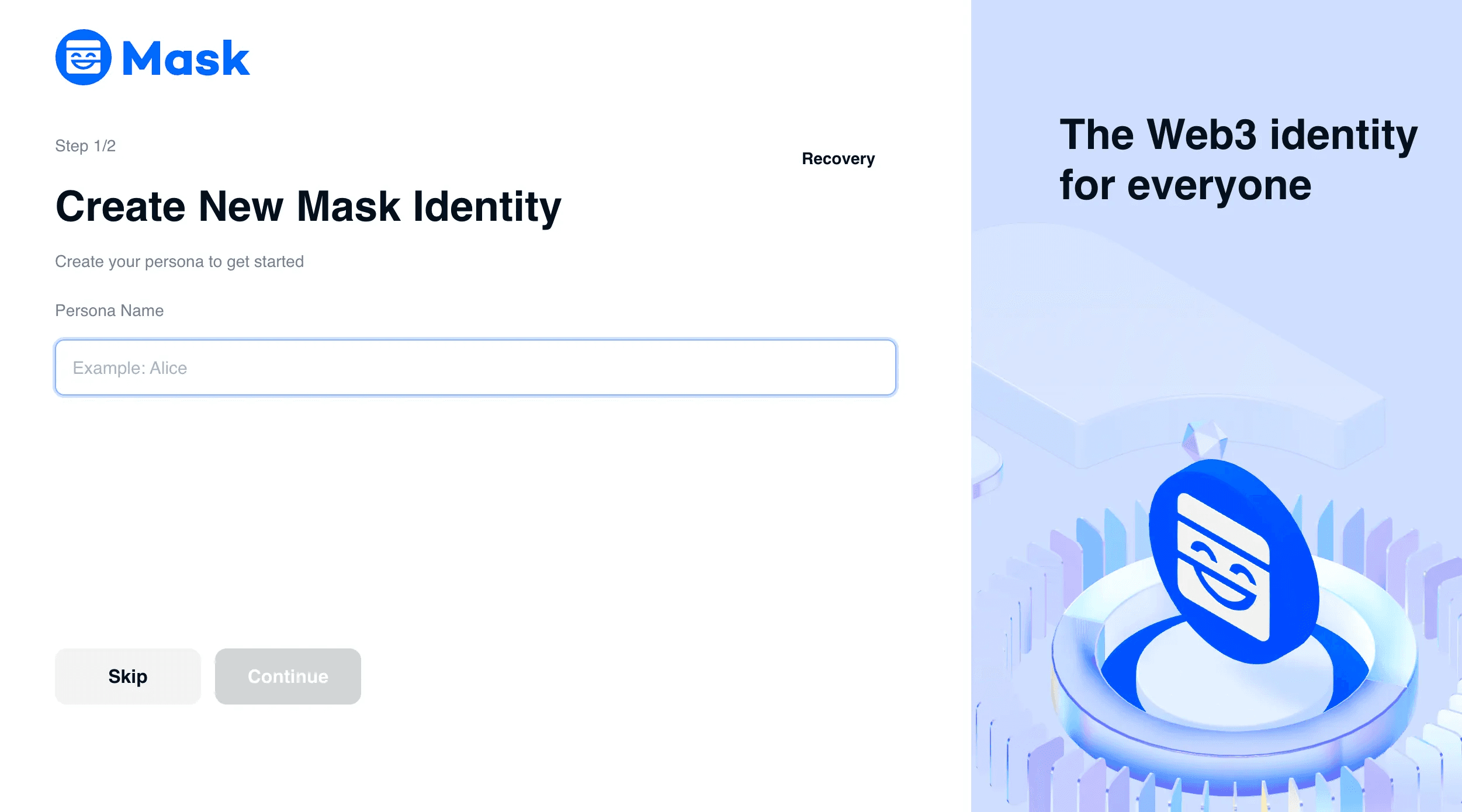
Then you can create a Persona.
💡 Persona is an essential digital identity account for users of the Mask Network plugin. Serving as your Mask Network identity, Persona allows you to link multiple social media accounts and social wallets, creating a unified digital presence. Powered by Next.ID.
*If you have used Mask Network before, you can use your existing information and click "Recovery".
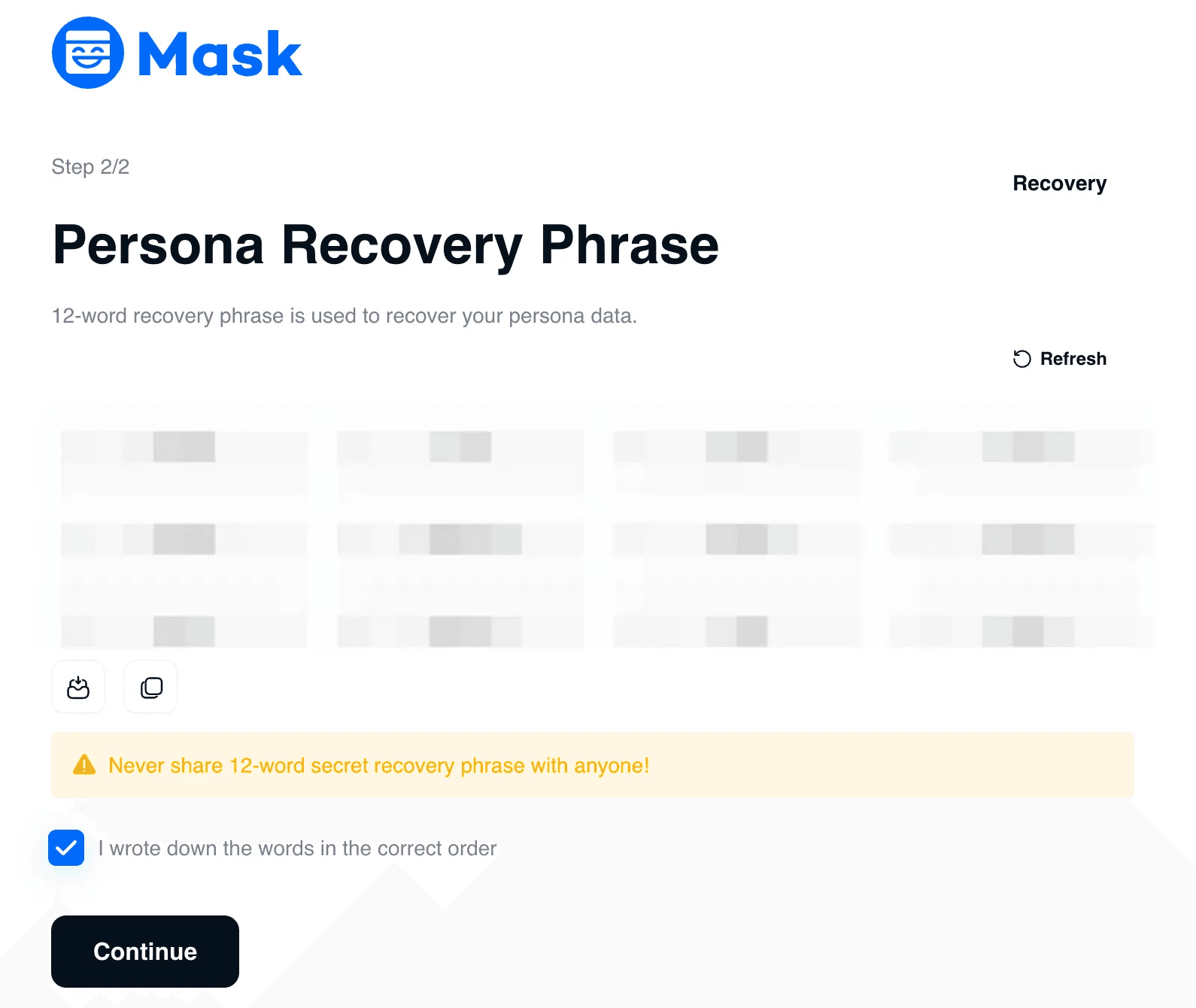
Write down and memorise your mnemonic words on this page. Do not share them with anyone. This is for your Persona Private Key, and you will need it in the future.
You have successfully created your Persona account. Start your encryption journey now!
First, you can experience our features on X.com by clicking "Experience in X".