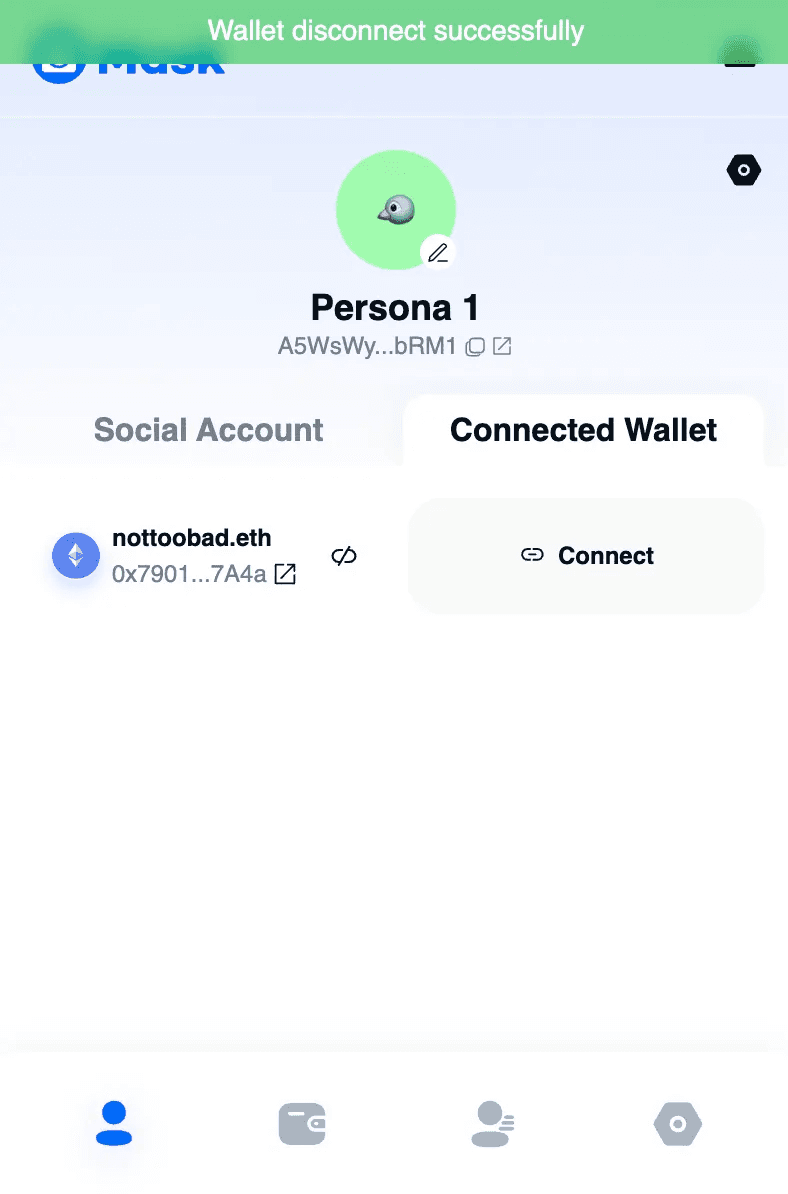
Link and Unlink your social wallet
Link your social wallet
To link your social wallet to your Persona account, follow these steps:
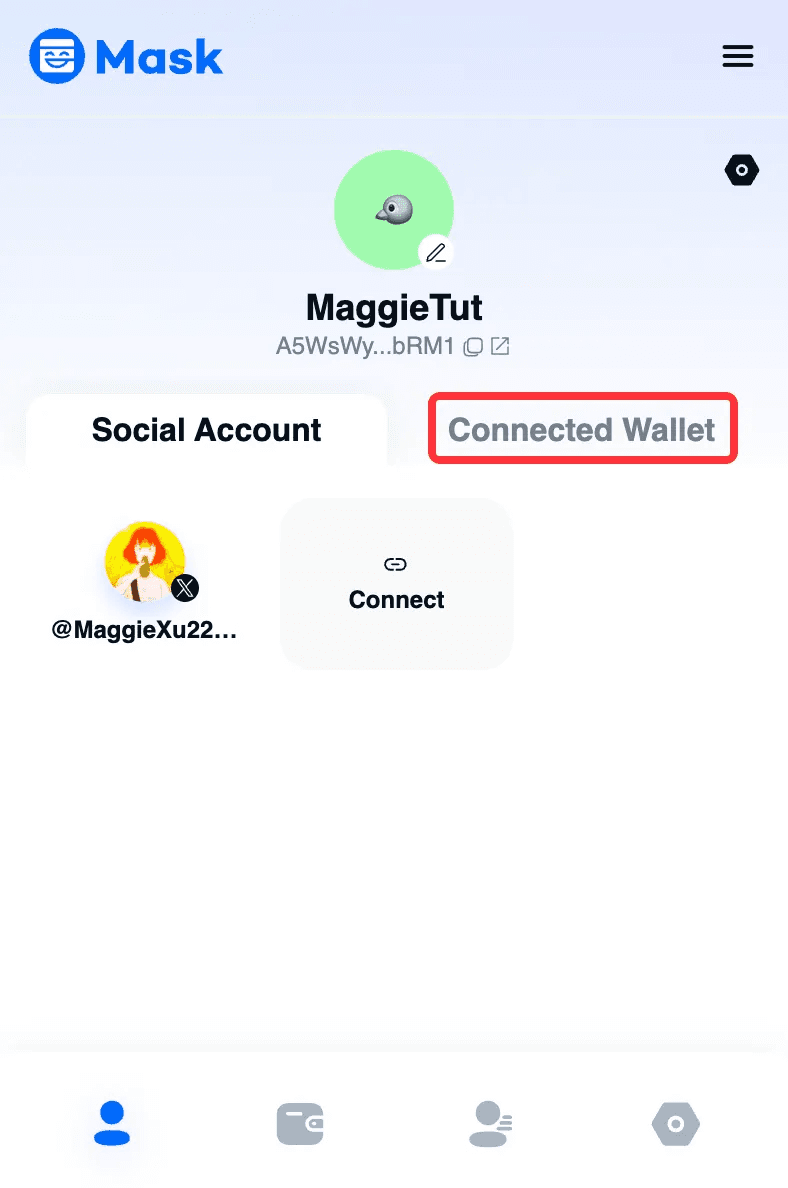
Click “Connected Wallet”. Here, you can bind your social wallet to your Persona account.
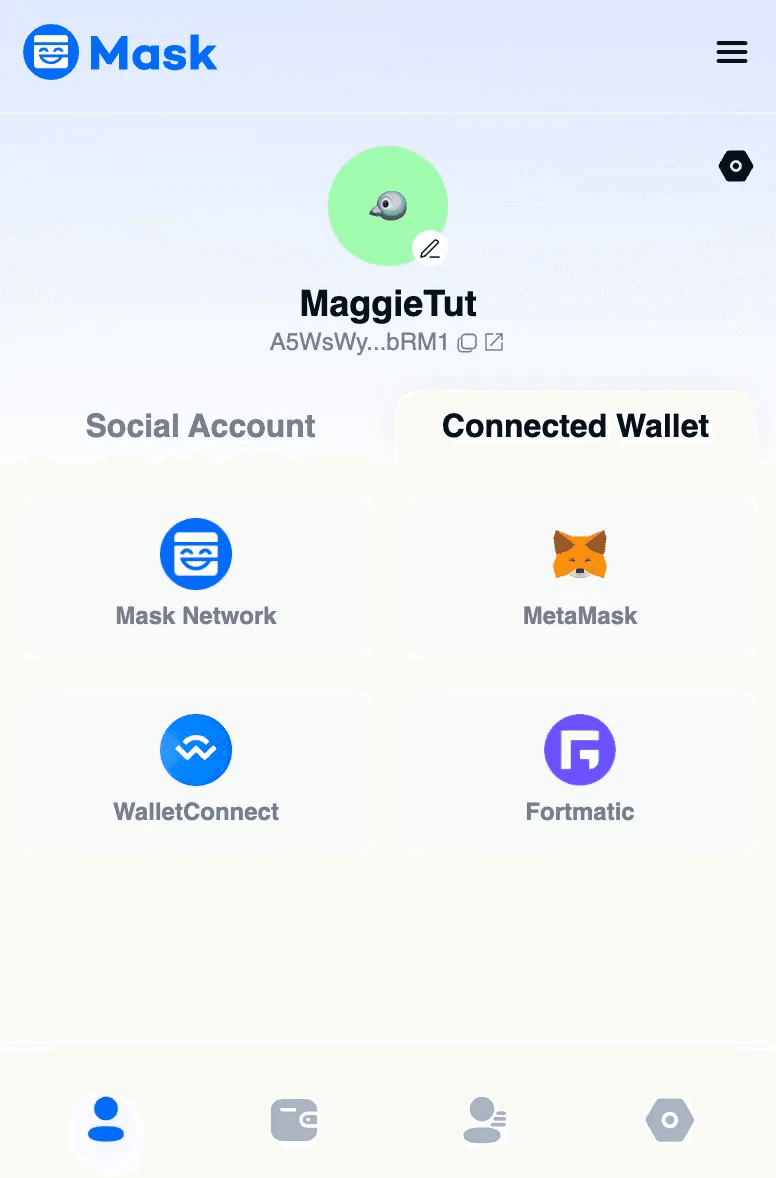
You can connect via Mask Network Wallet, MetaMask Wallet, WalletConnect, or Fortmatic.
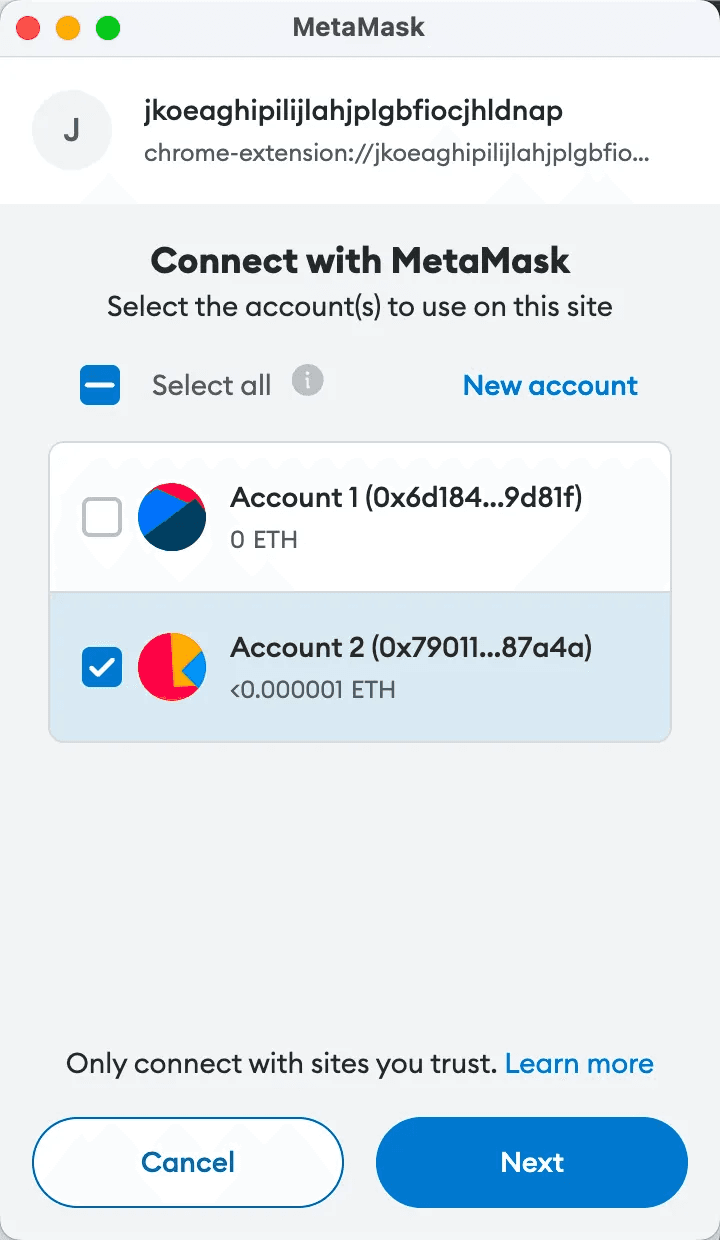
Connect your social wallet. Once connected, your Twitter account will display Web3 information associated with this wallet. You can set the visibility.
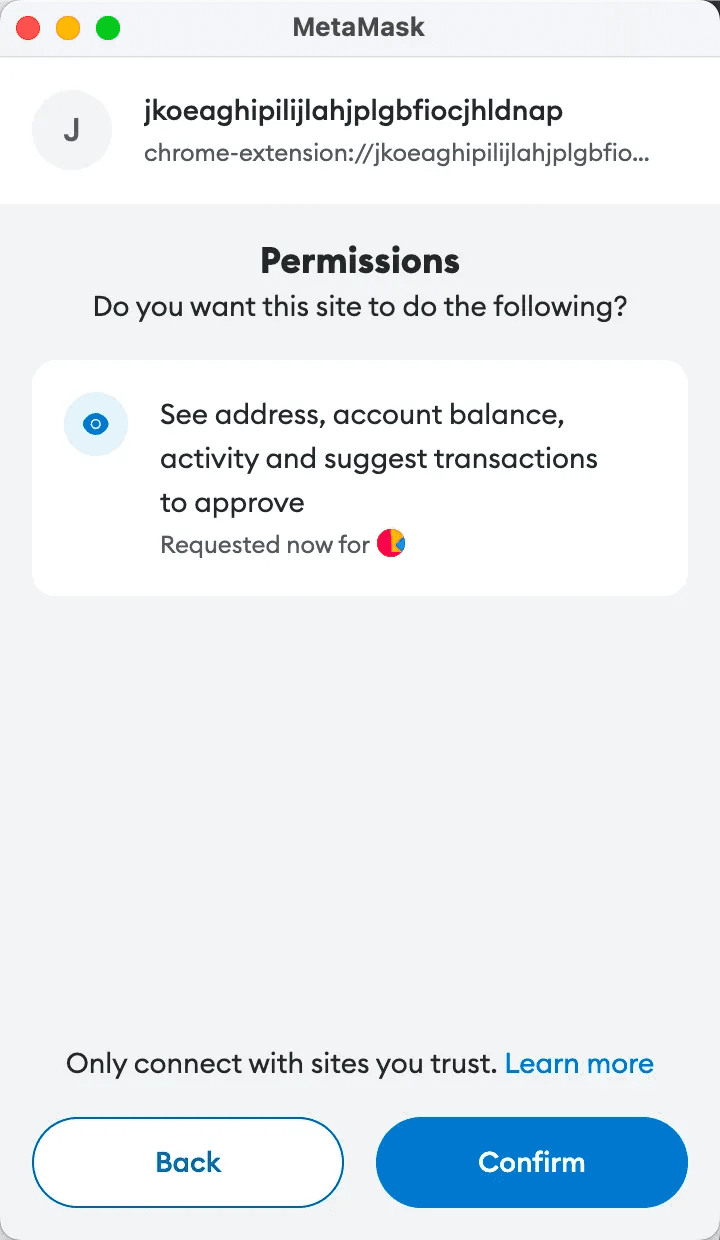
Click “Sign”.
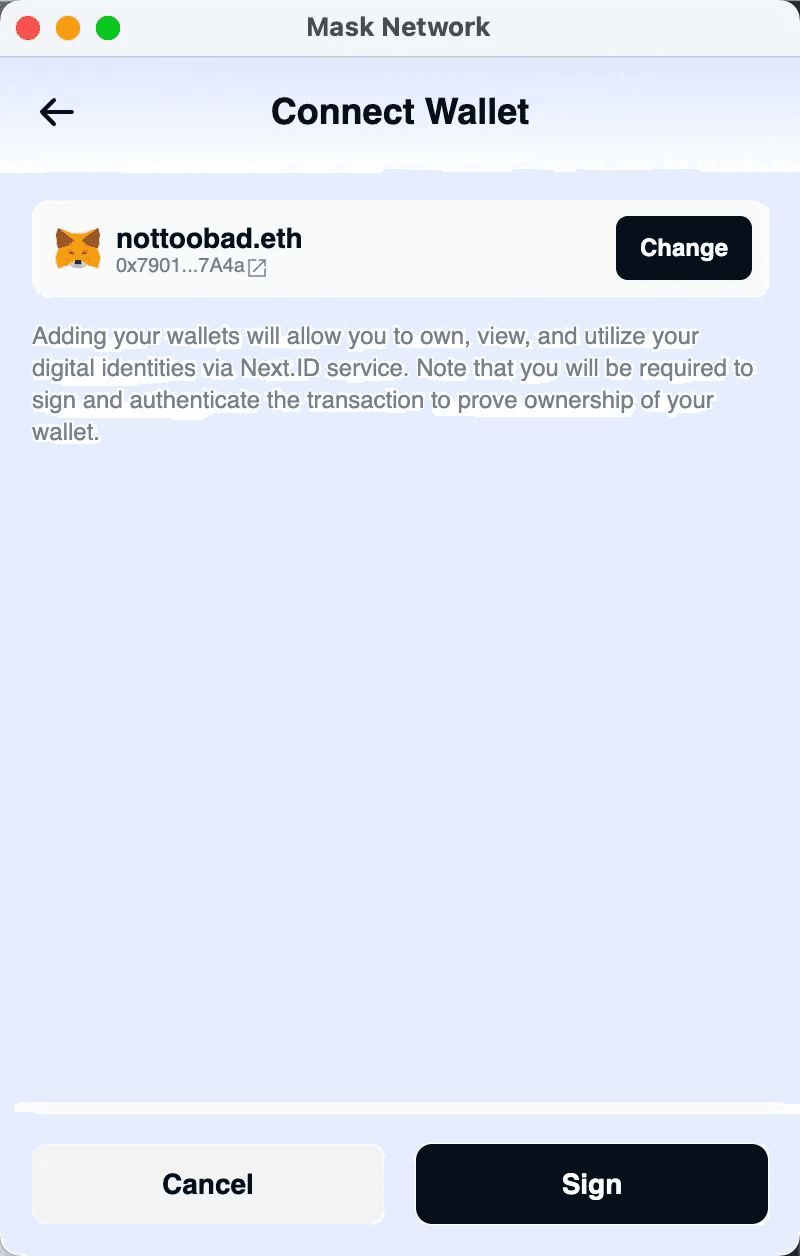
Sign within your wallet.
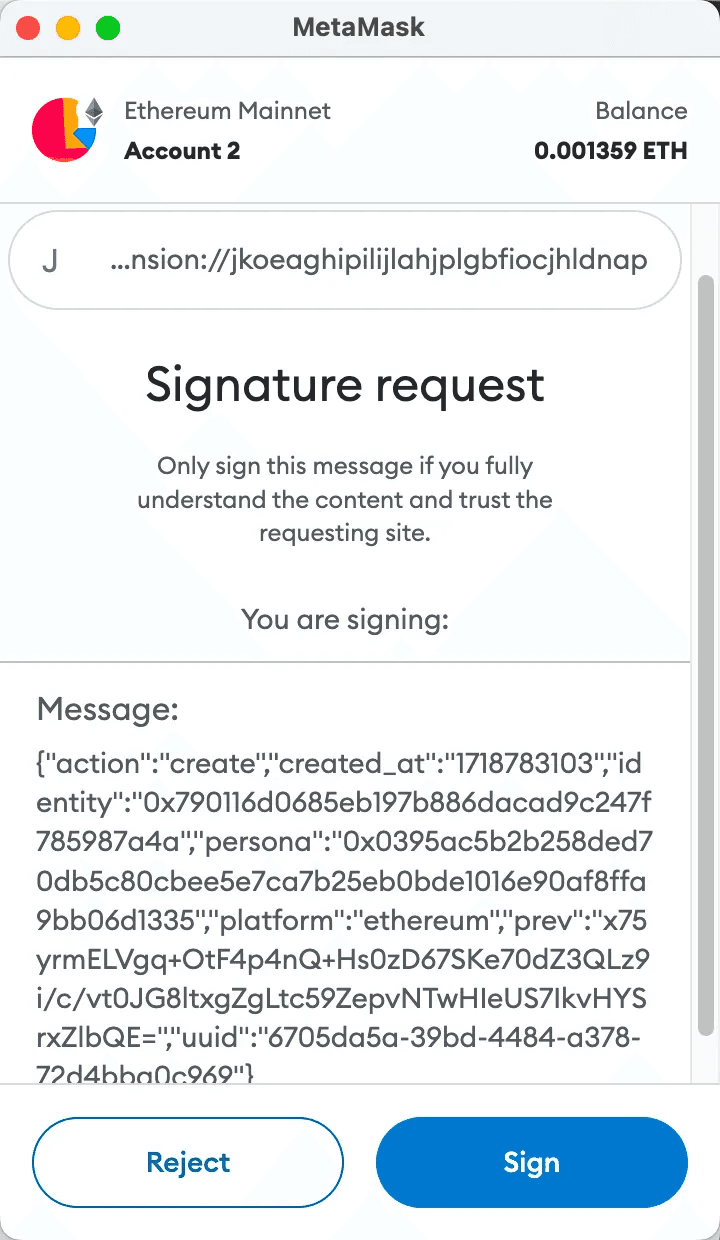
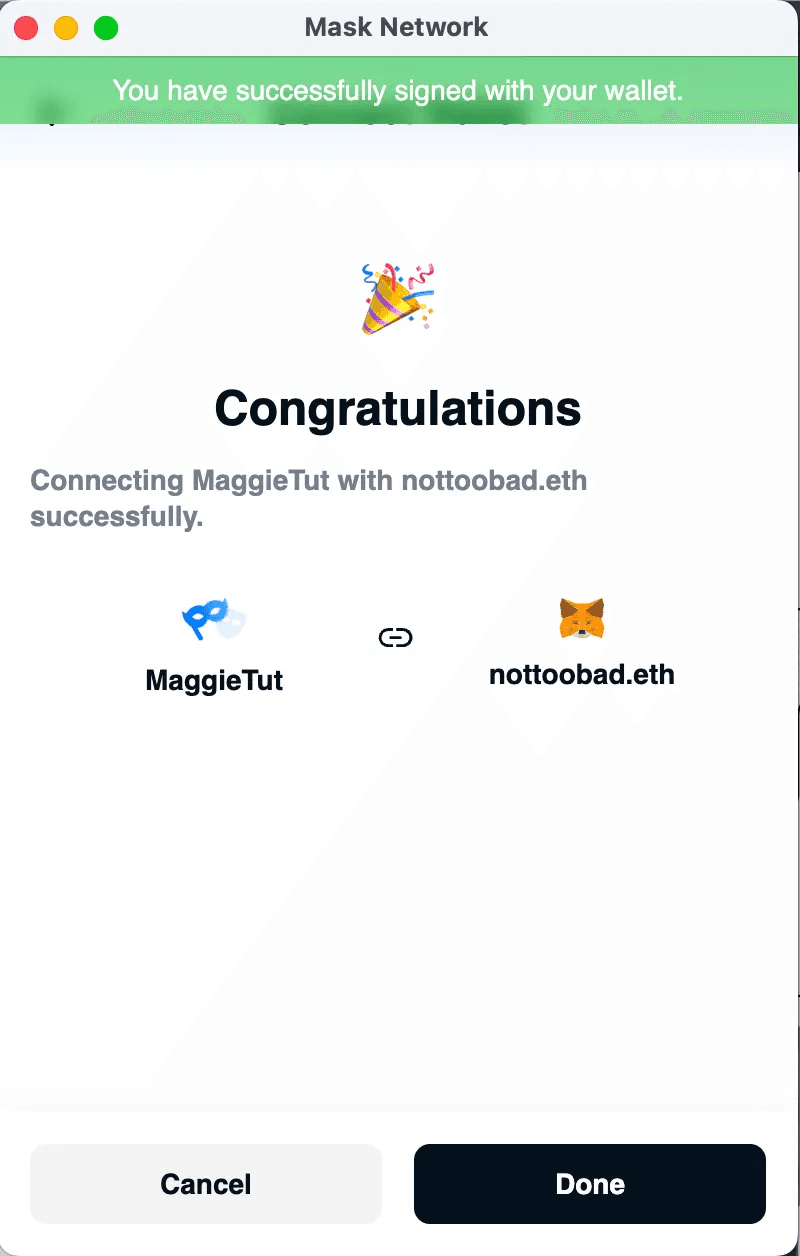
You have successfully linked your social wallet to your Persona account.
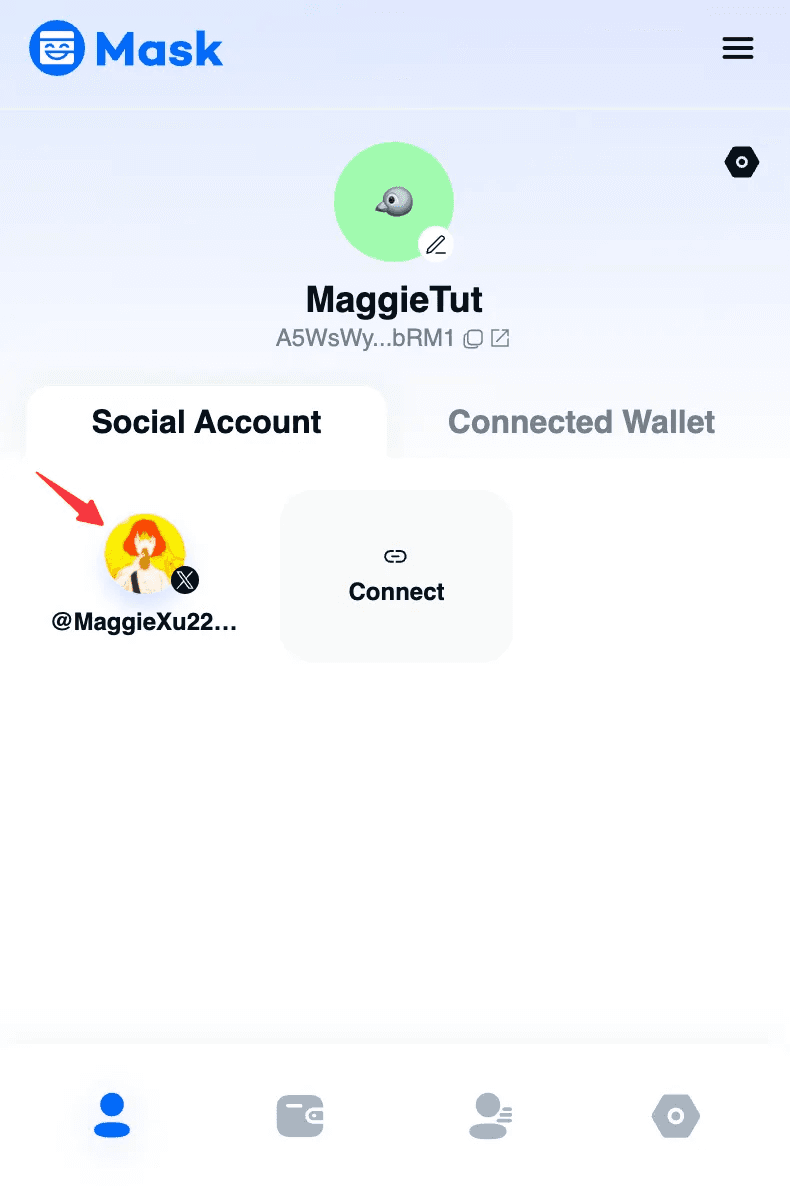
Click the social account avatar under Social Account to configure your social wallet settings.
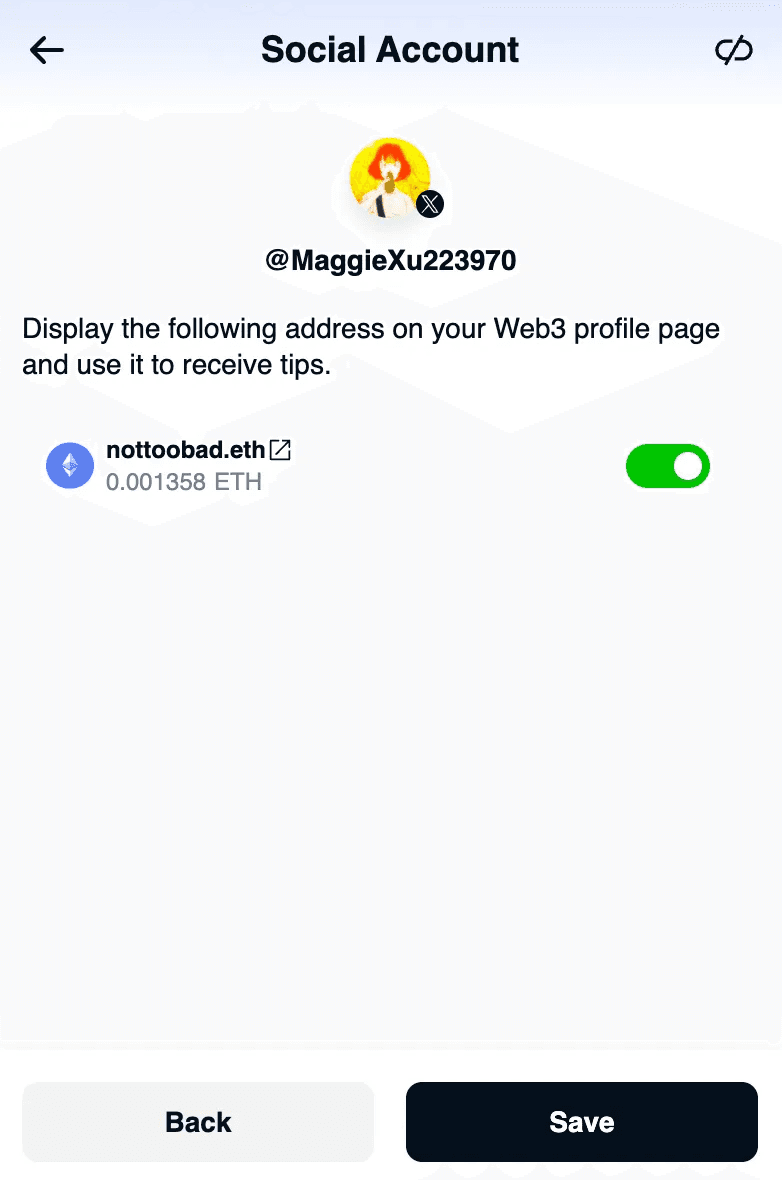
Click the toggle button to set visibility.
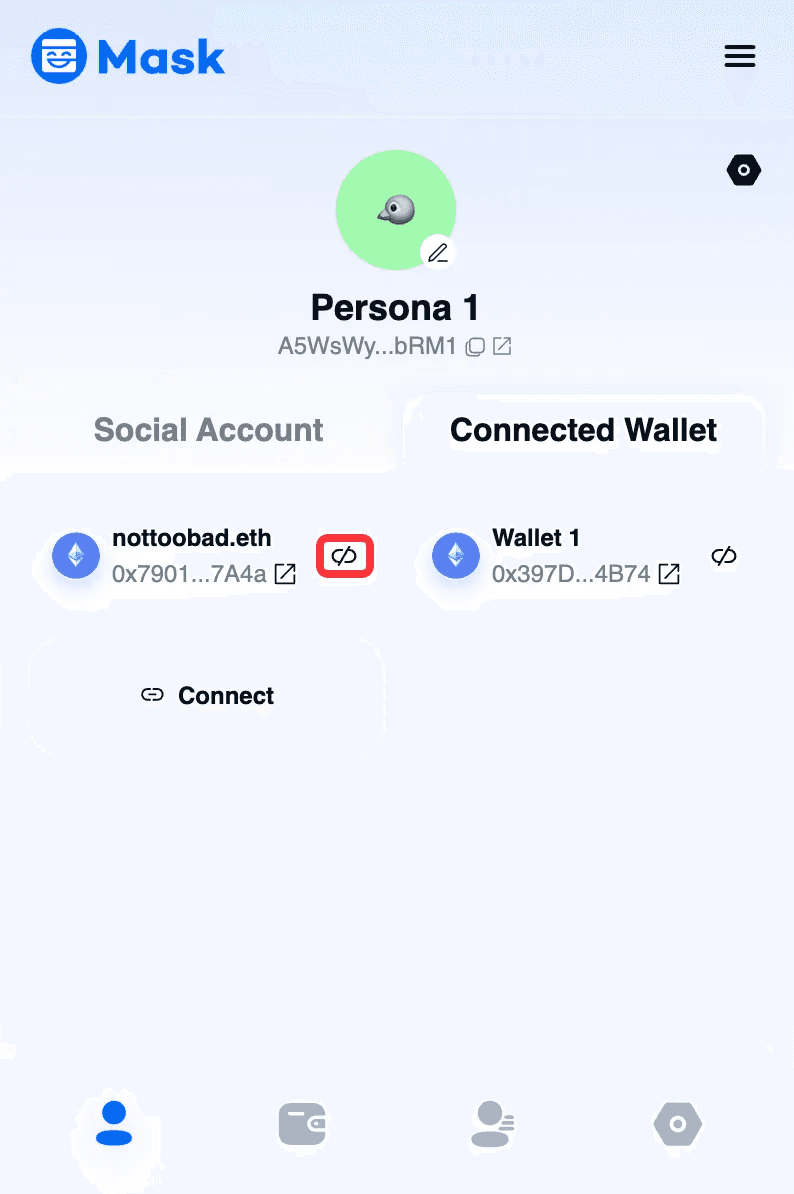
Unlink your social wallet
If you want to unlink your social wallet, just click the unlink button.
Click “Confirm”.
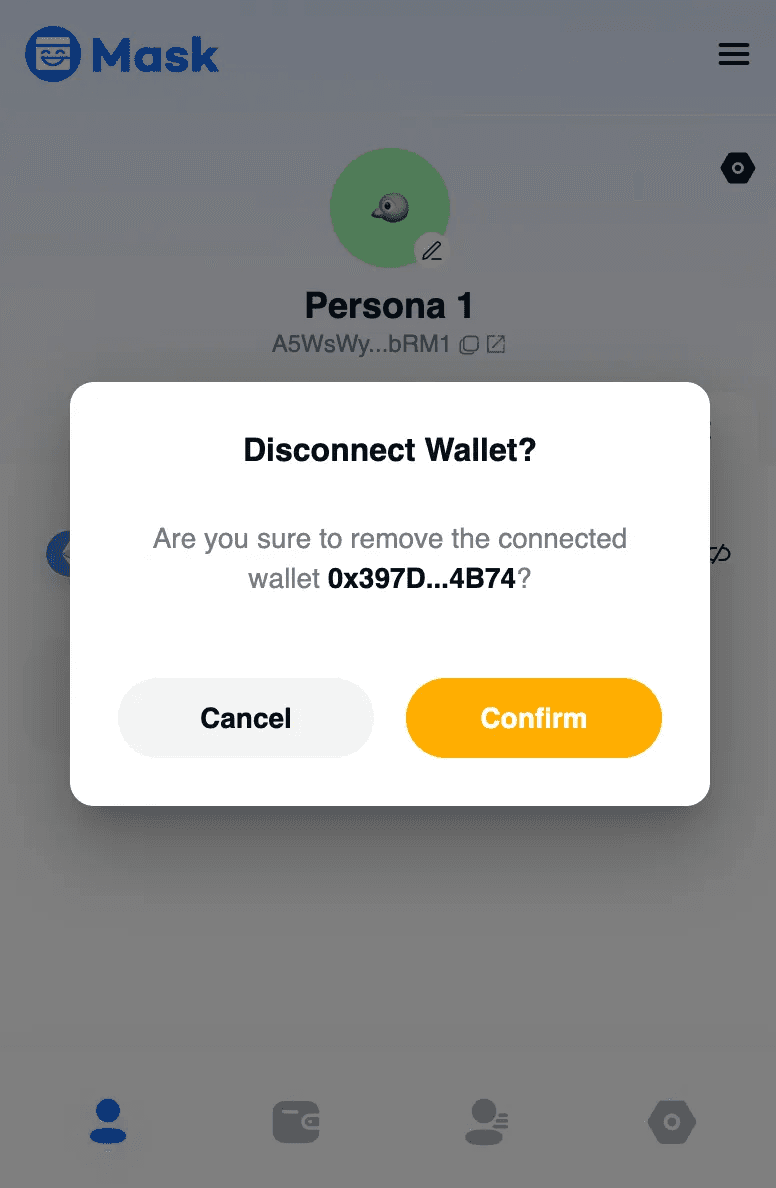
Unlink social wallet successfully.