Web3 File Service
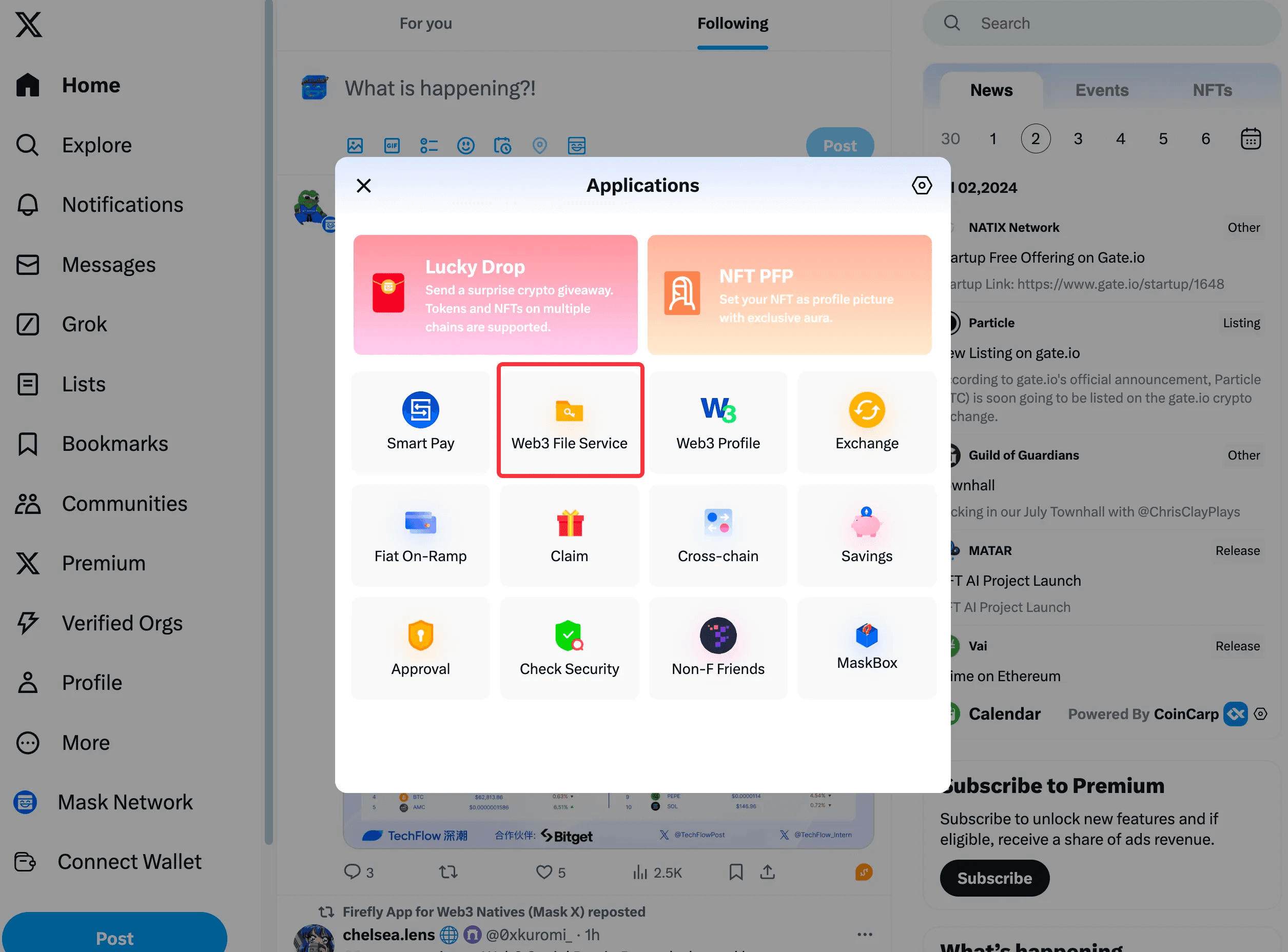
Click Mask Network, then click Web3 File Service.
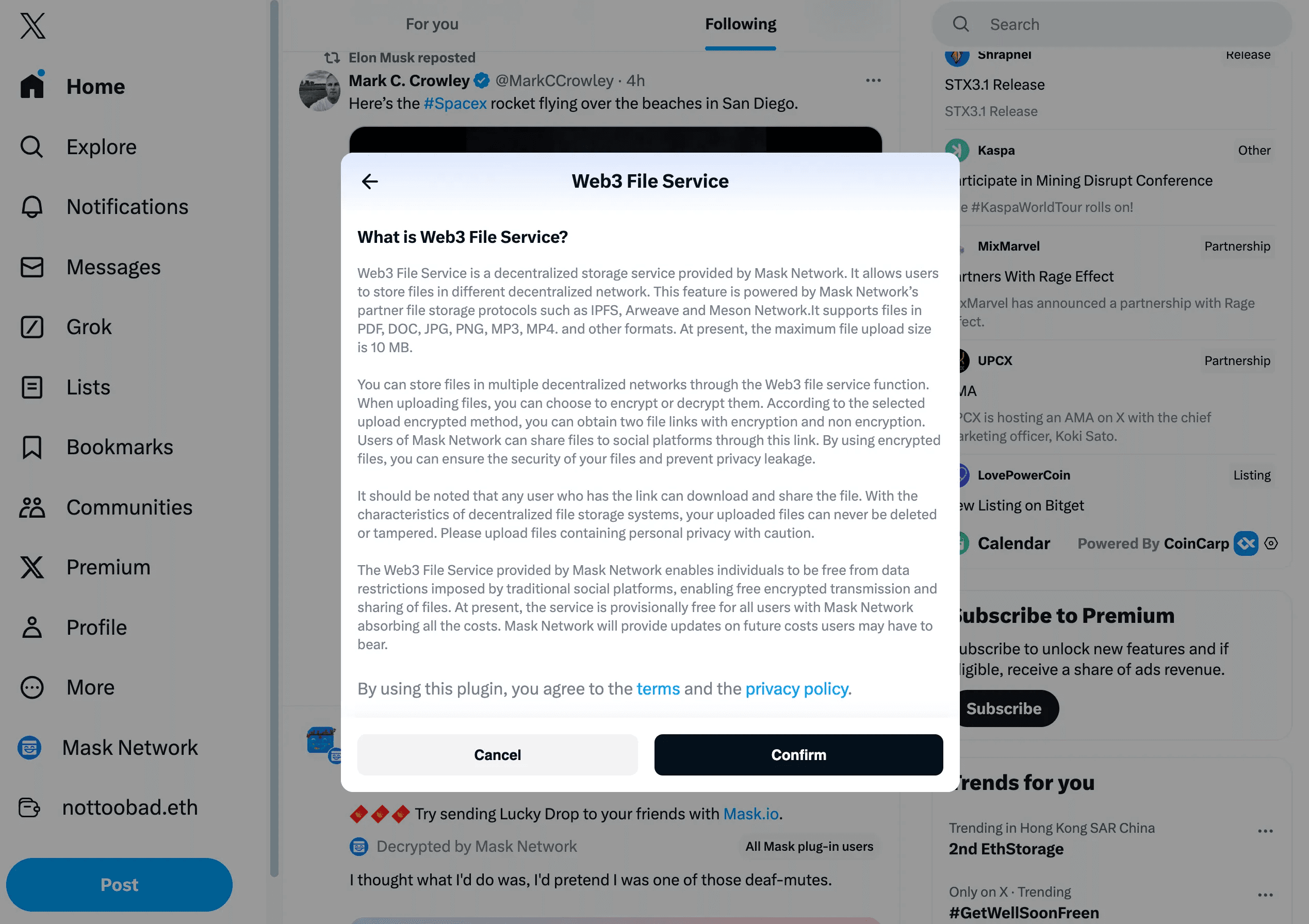
Please read the service notice before first use, then click "Confirm".
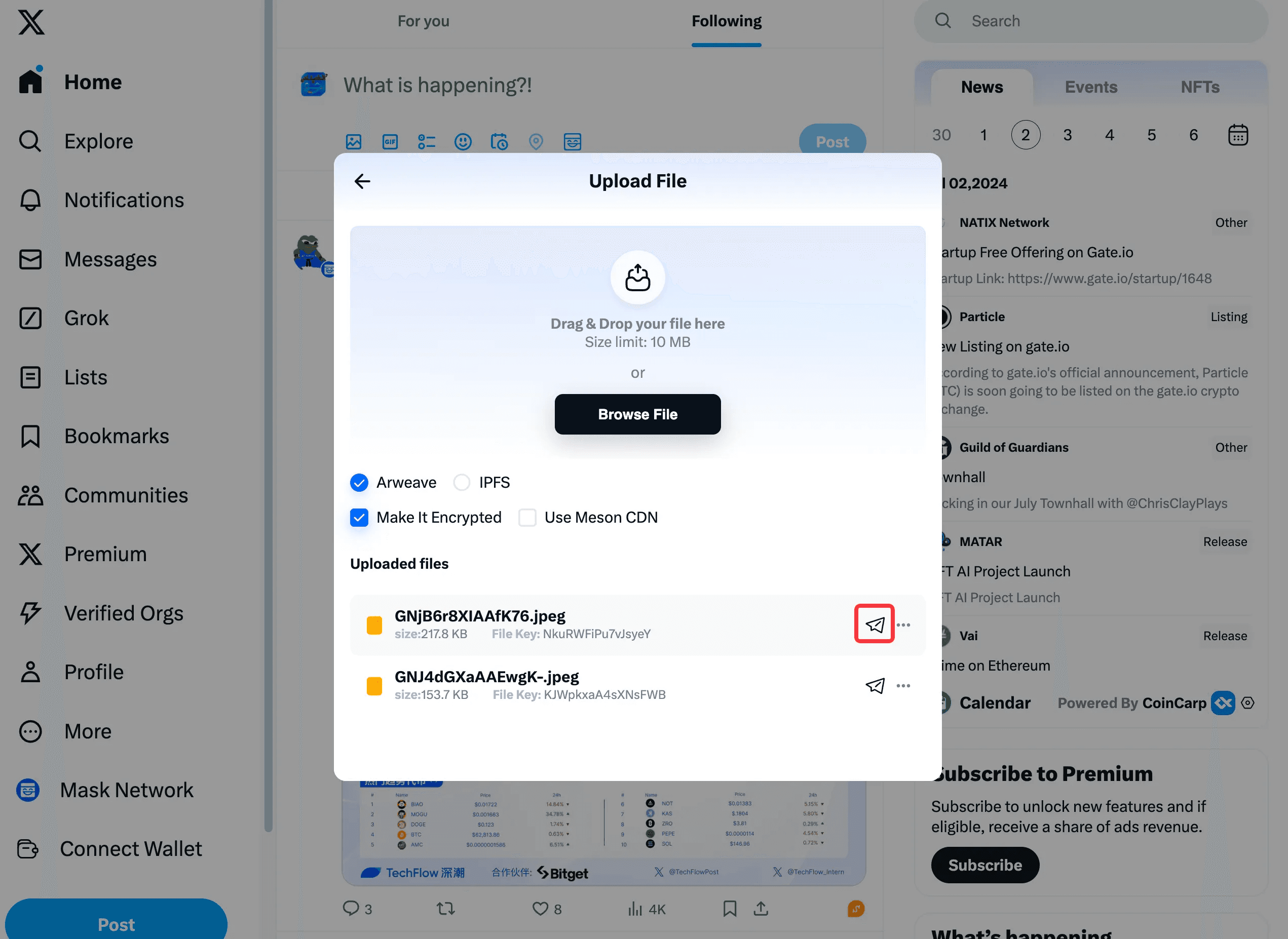
Click “Upload File” to upload.
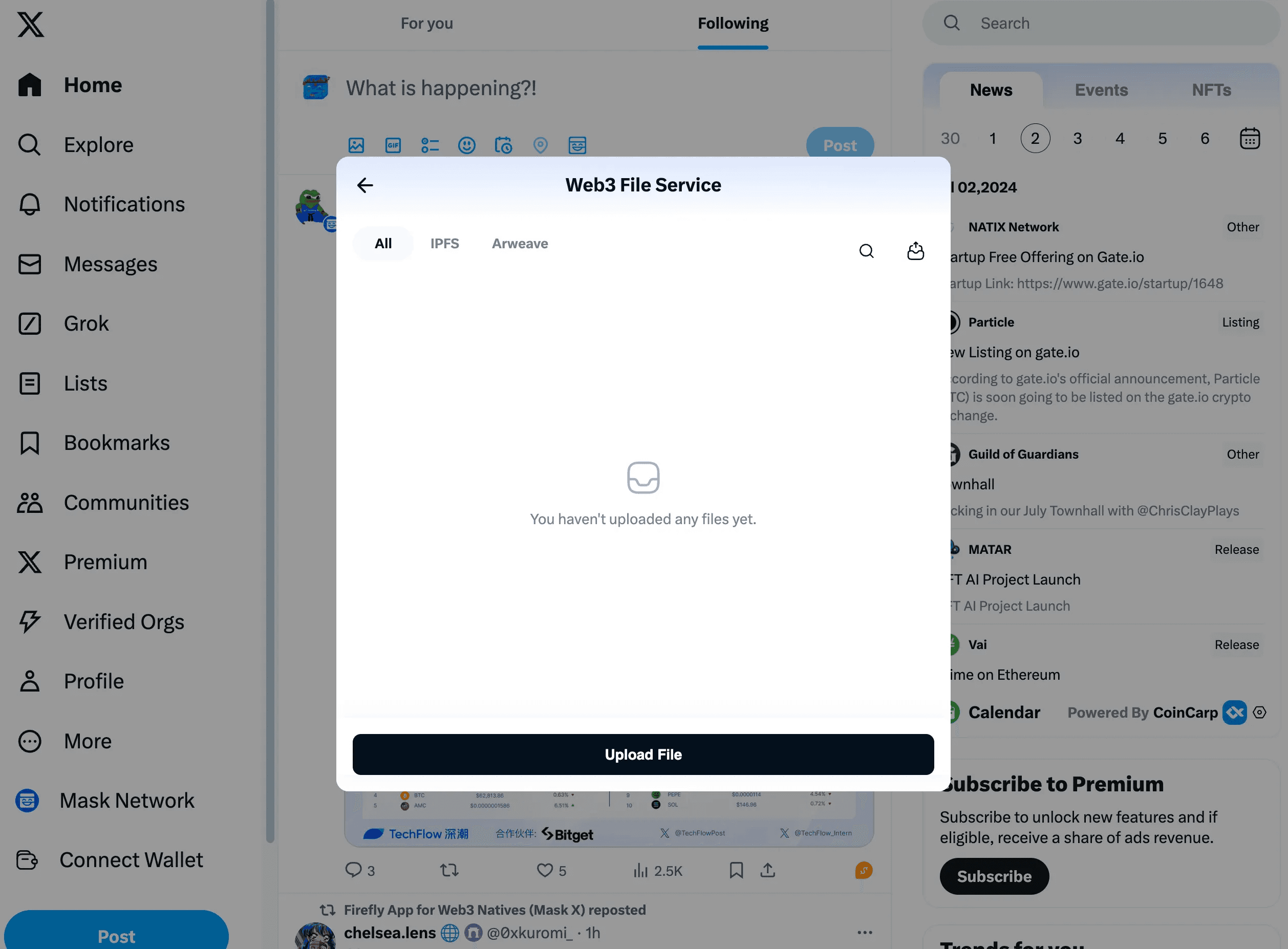
Please first choose the encryption method
Arweave: You can choose Make it Encrypted and Use Meson CDN
IPFS: You can choose Make it Encrypted
You can drag or drop your file here or click "Browse File" to upload your file.
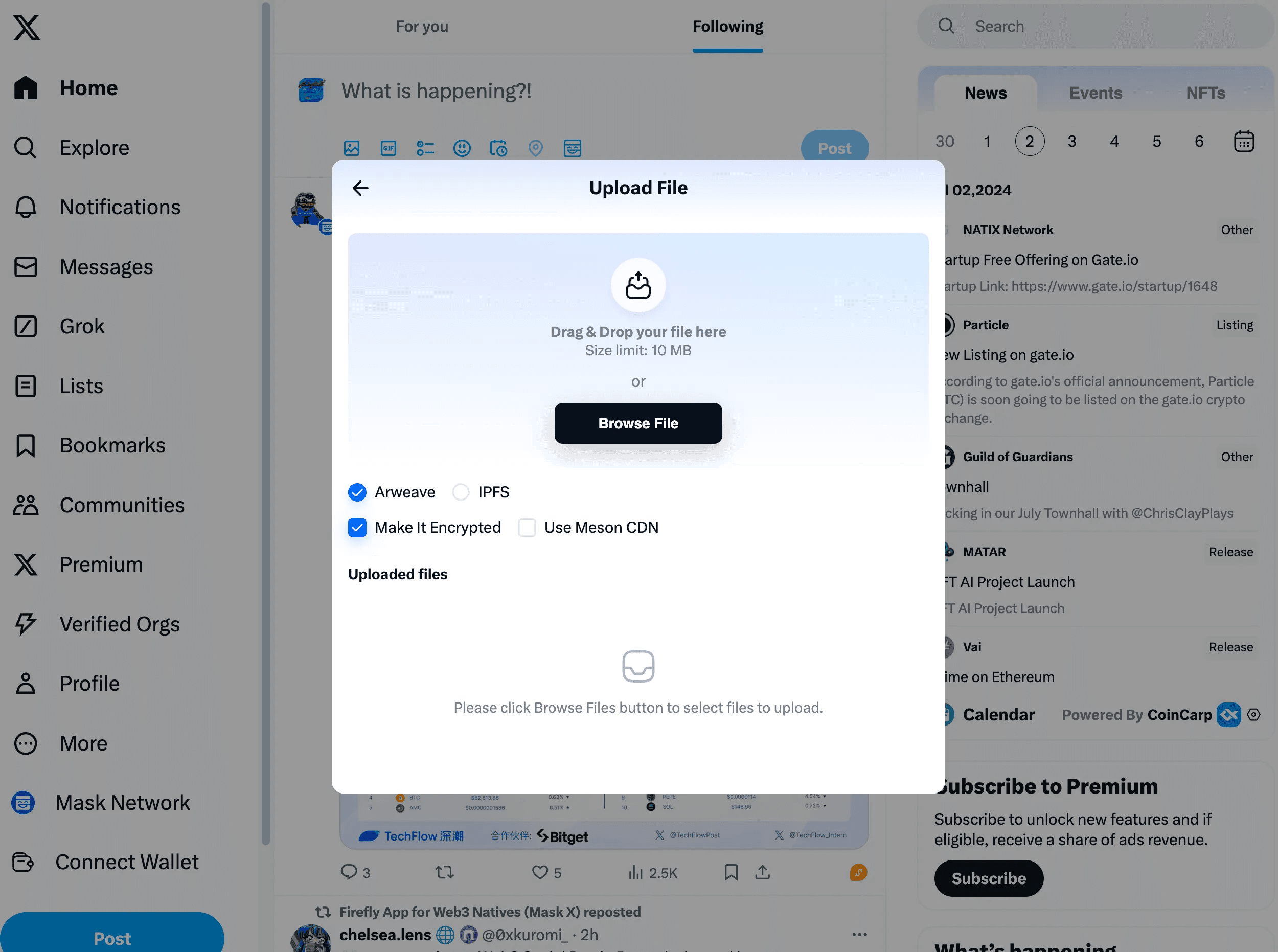
Upload complete, the file has been permanently saved on the blockchain.
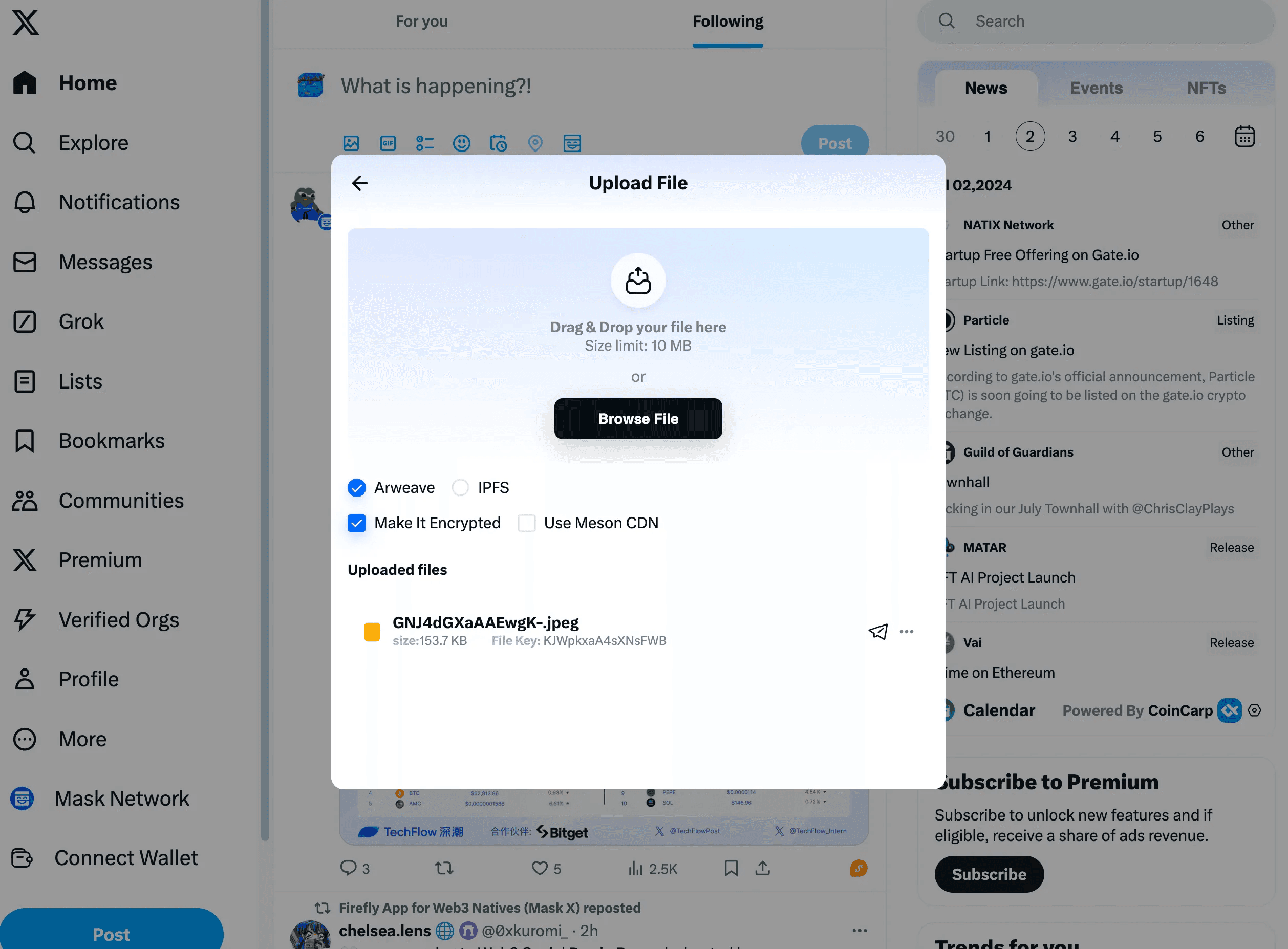
Click here to Download, Rename, Delete
💡 Users can only delete local links of these files. Files on the decentralized storage protocols cannot be deleted.
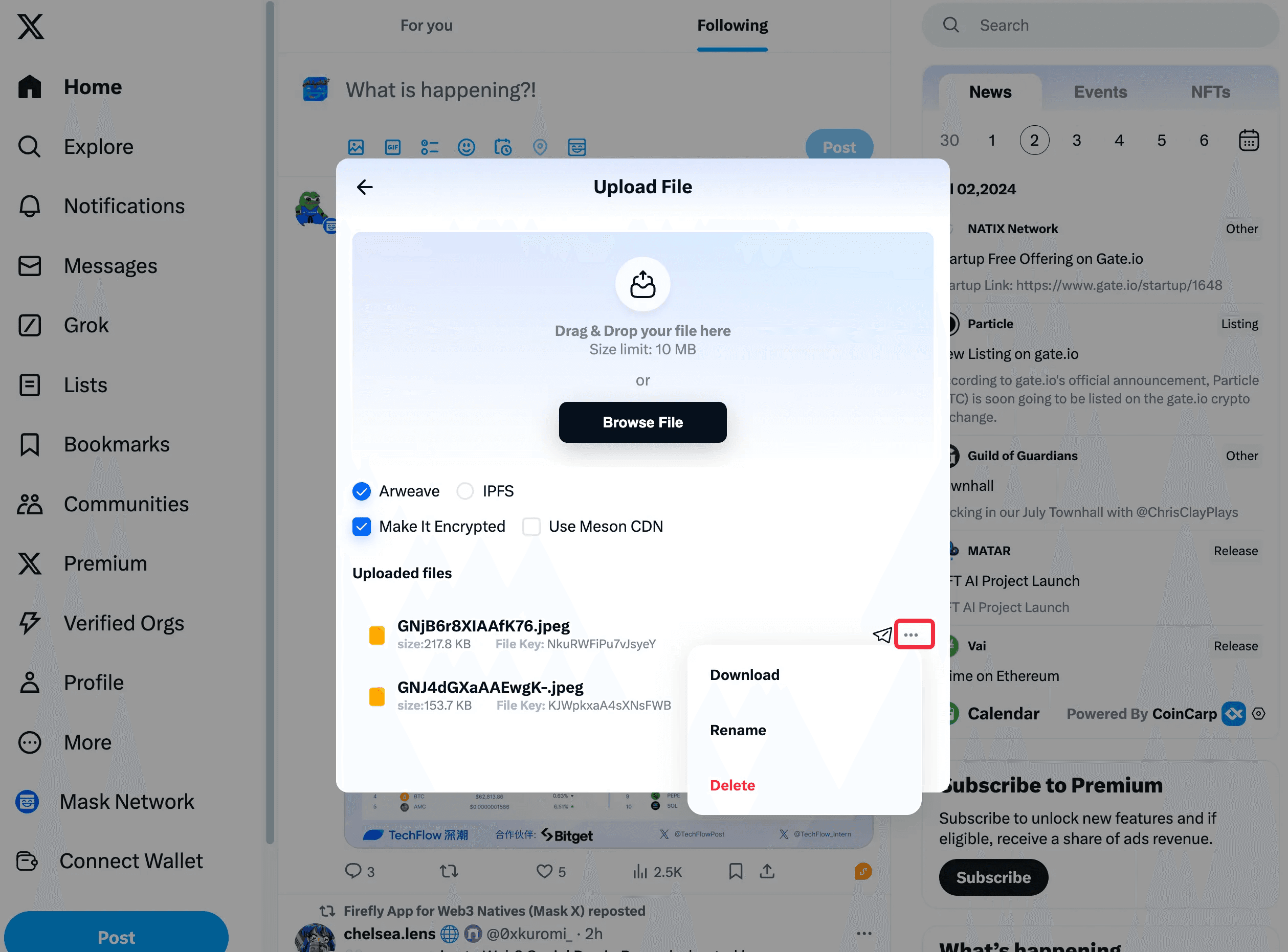
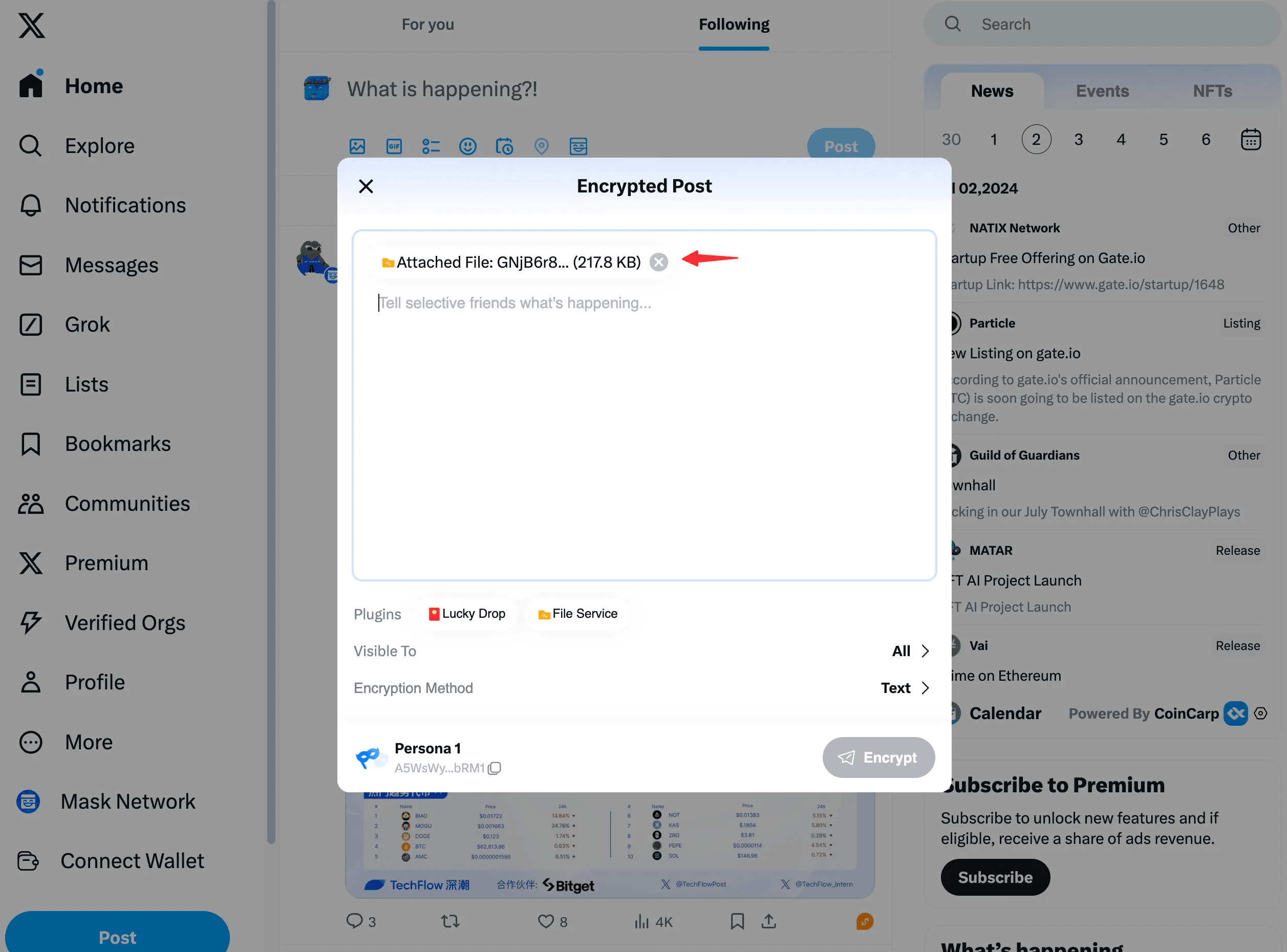
Click here to quickly add this file to the encrypted post.