Add Custom Assets
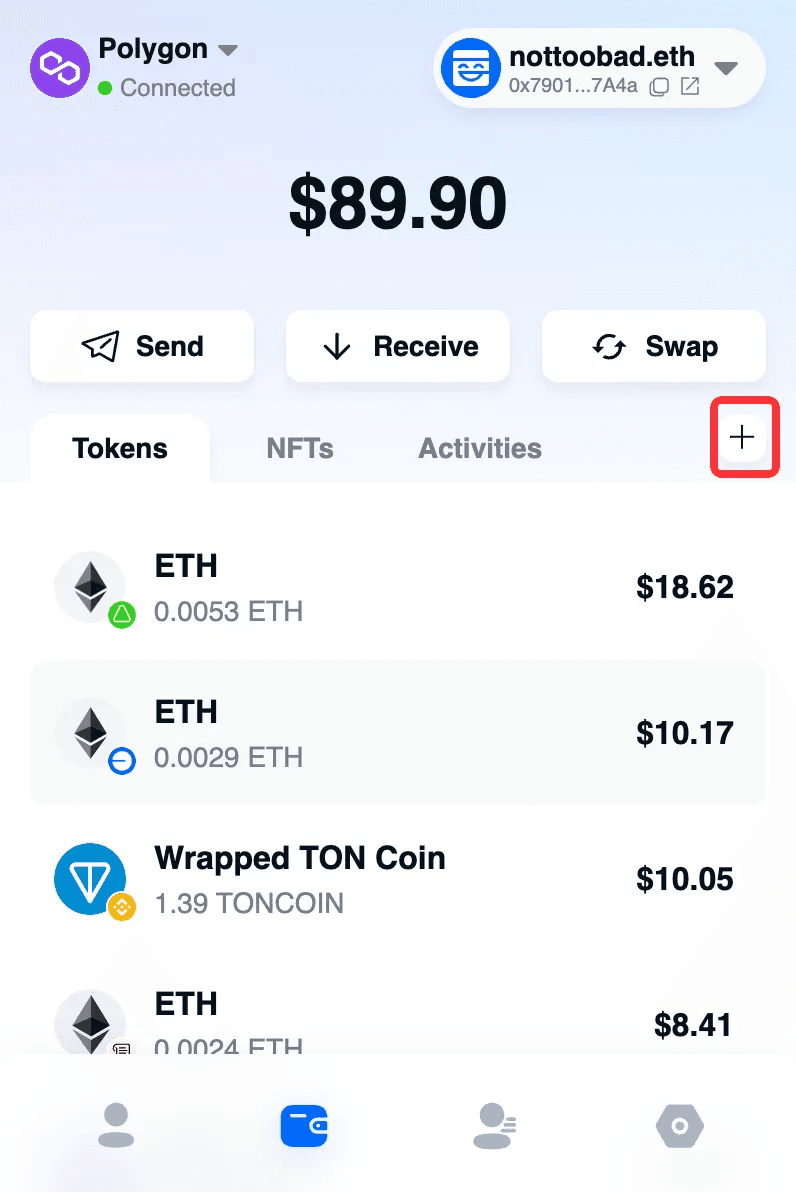
Click the plus sign in the plug-in wallet to add a custom Token or NFT.
Set whether to display the currency via the button switch.
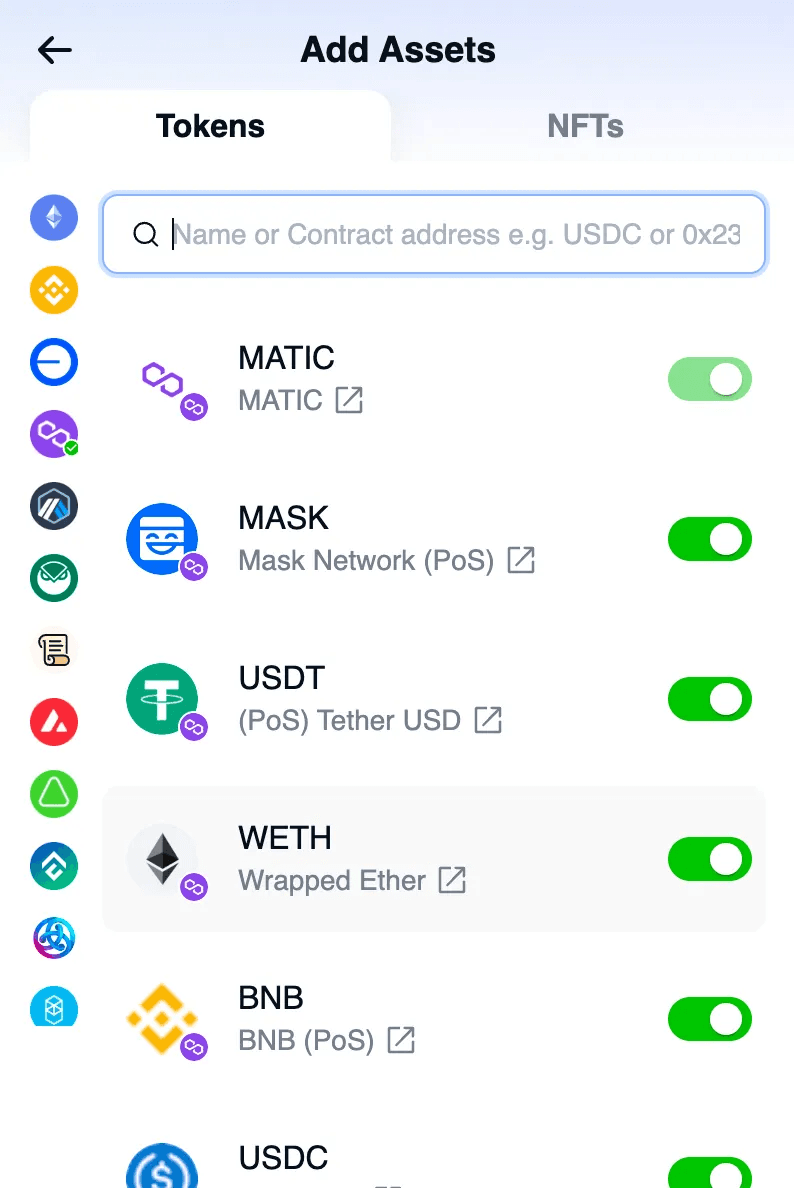
Token: Enter the Token name or contract address to add a currency.
Click Import.
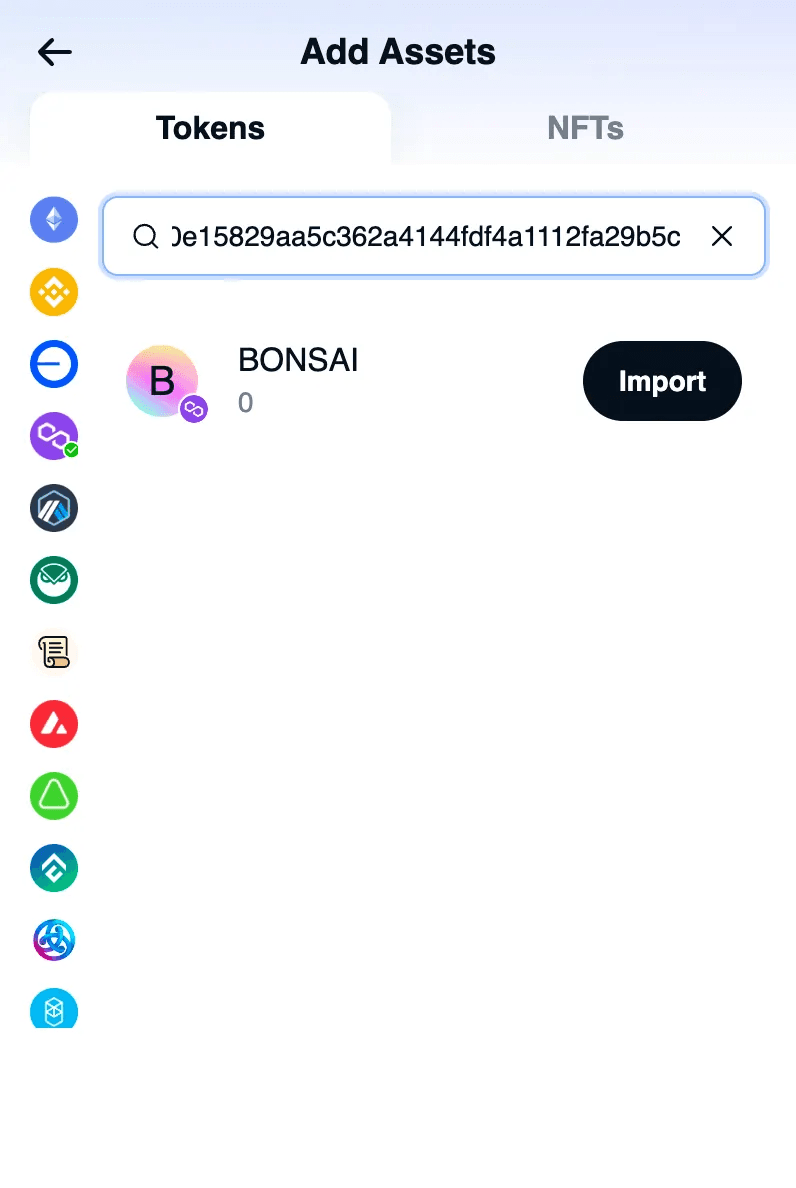
The currency has been added successfully.
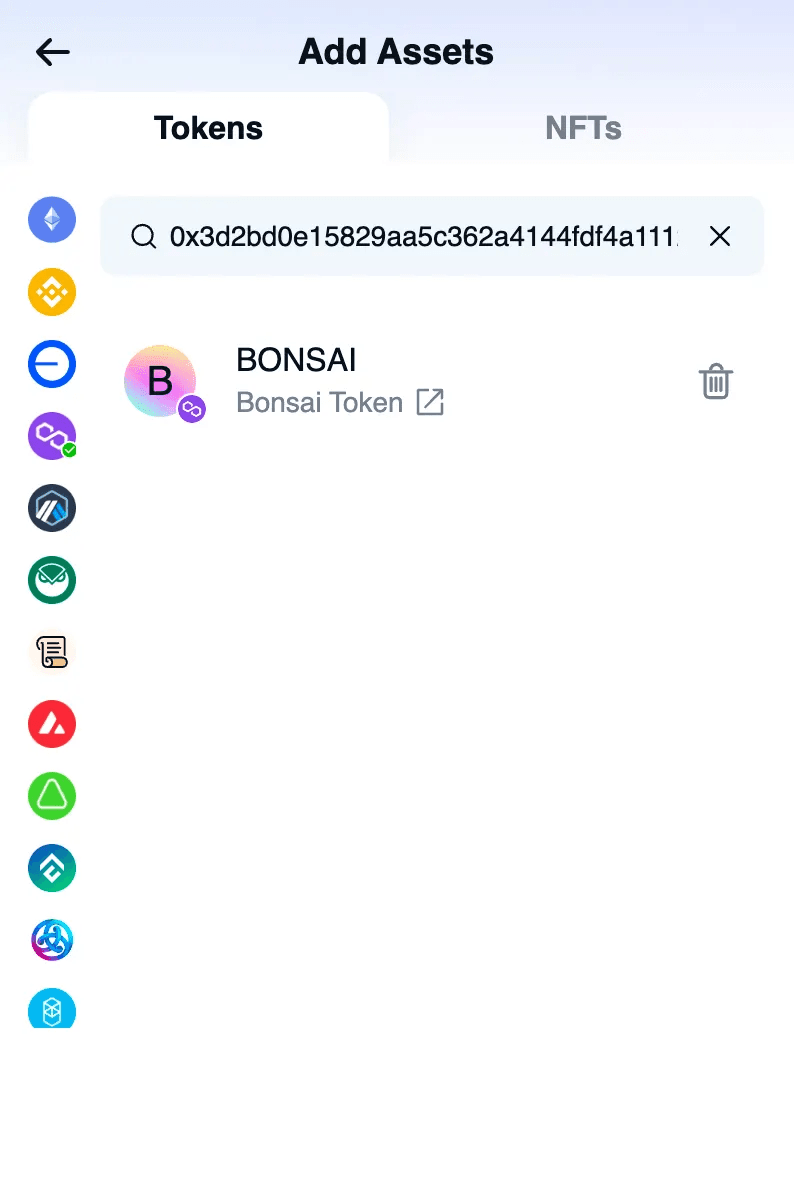
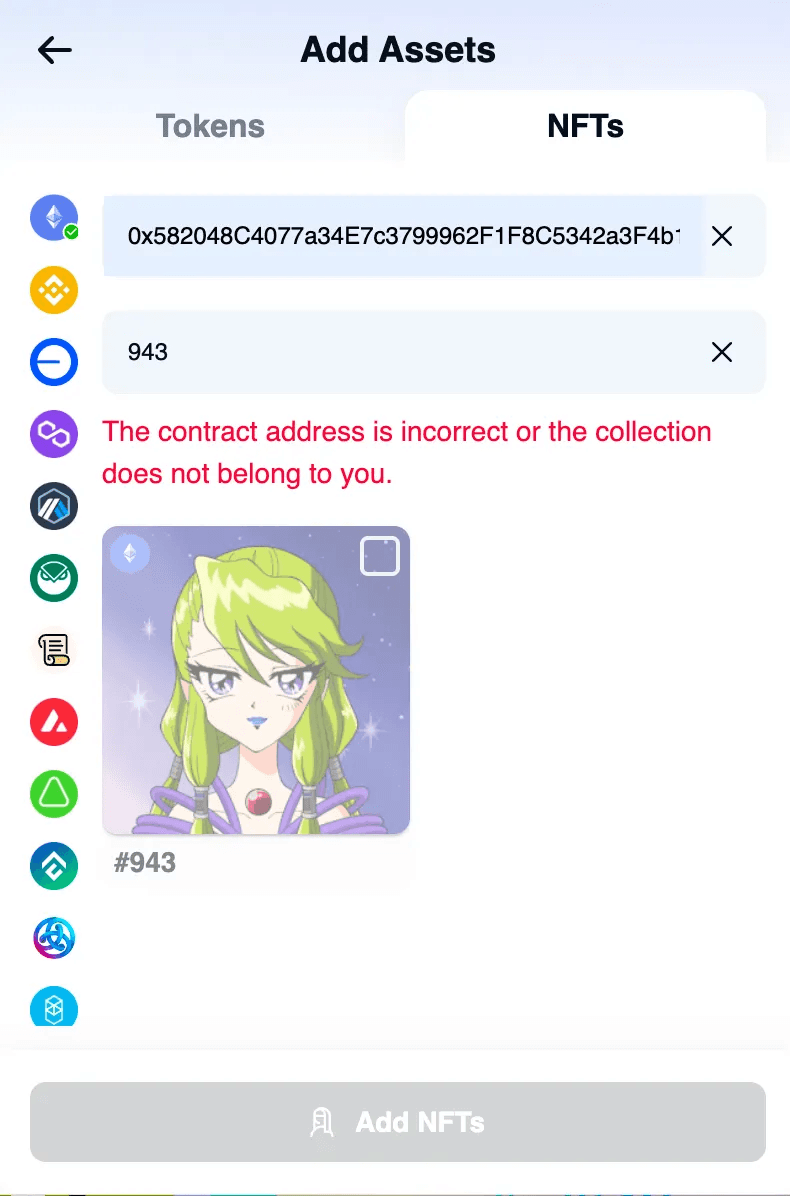
NFT: Enter the contract address and Token ID. If this NFT belongs to you, you can add it to your wallet assets.