How to Send
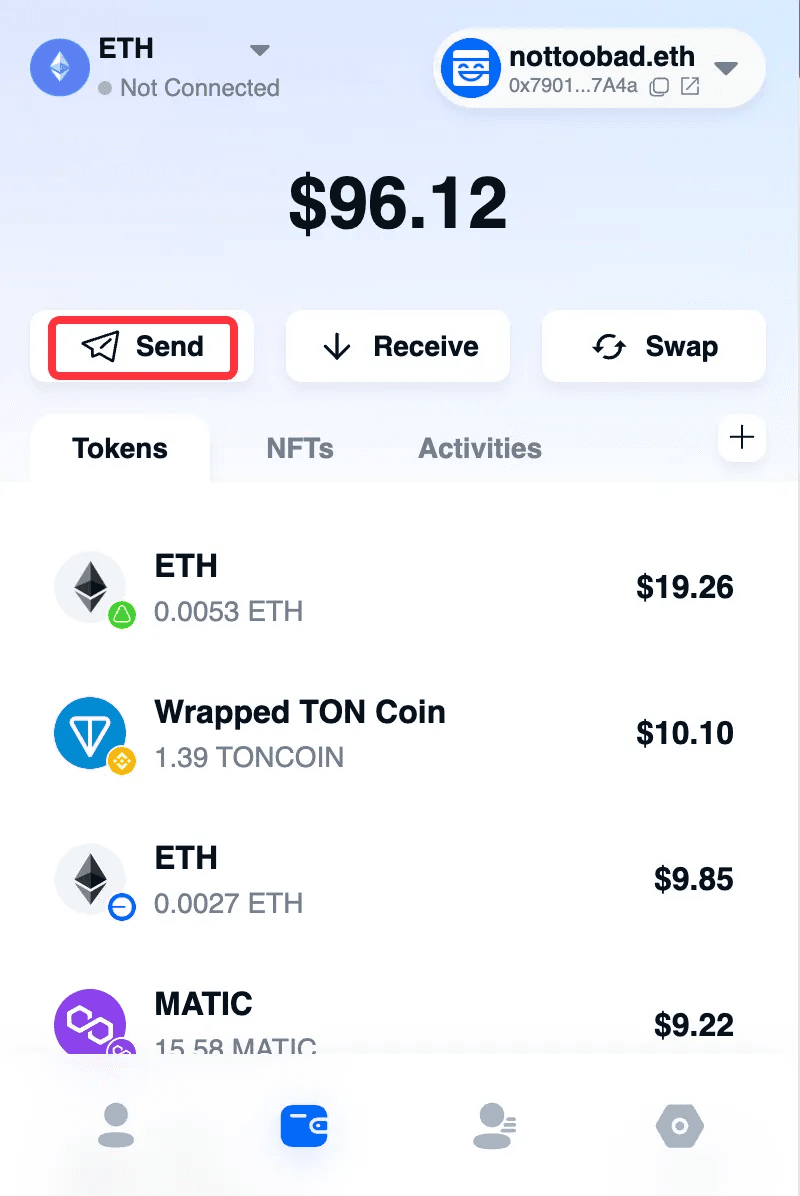
In the wallet plugin, click “Send”.
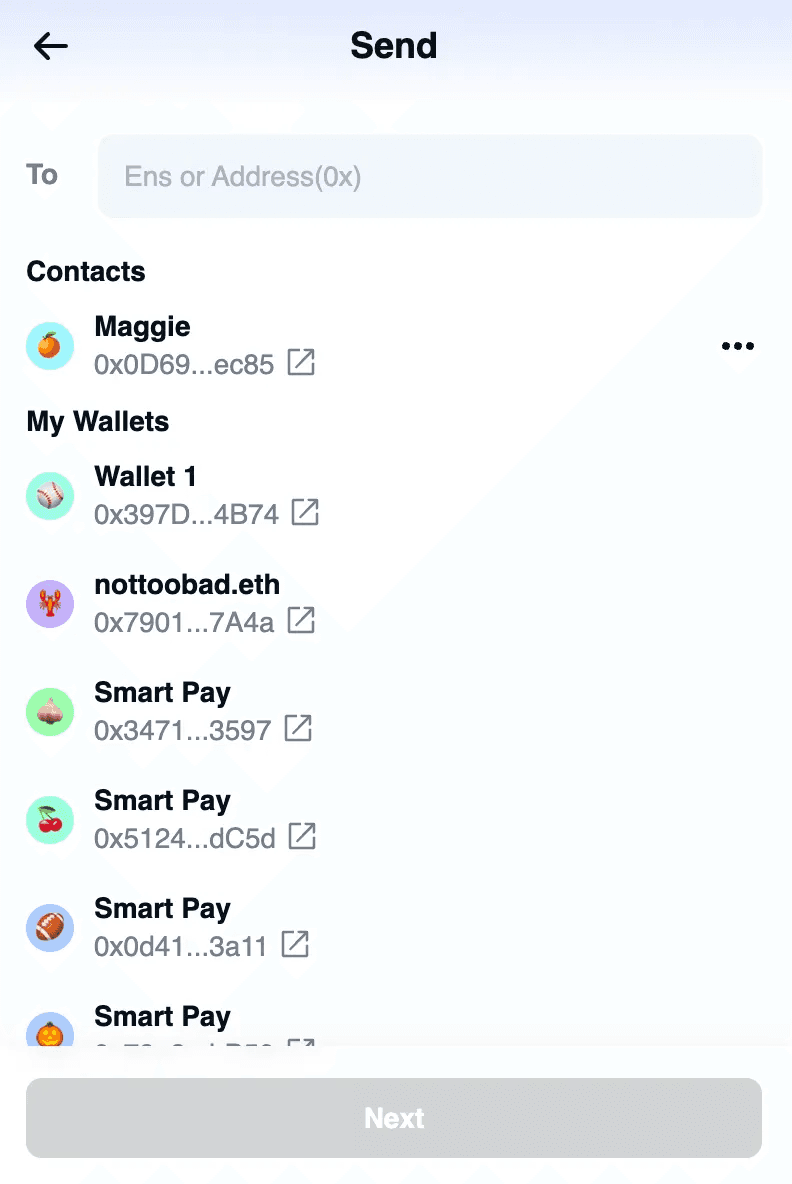
Enter or select the recipient address.
The list shows my wallets and Contacts for easy selection. Manage Contacts
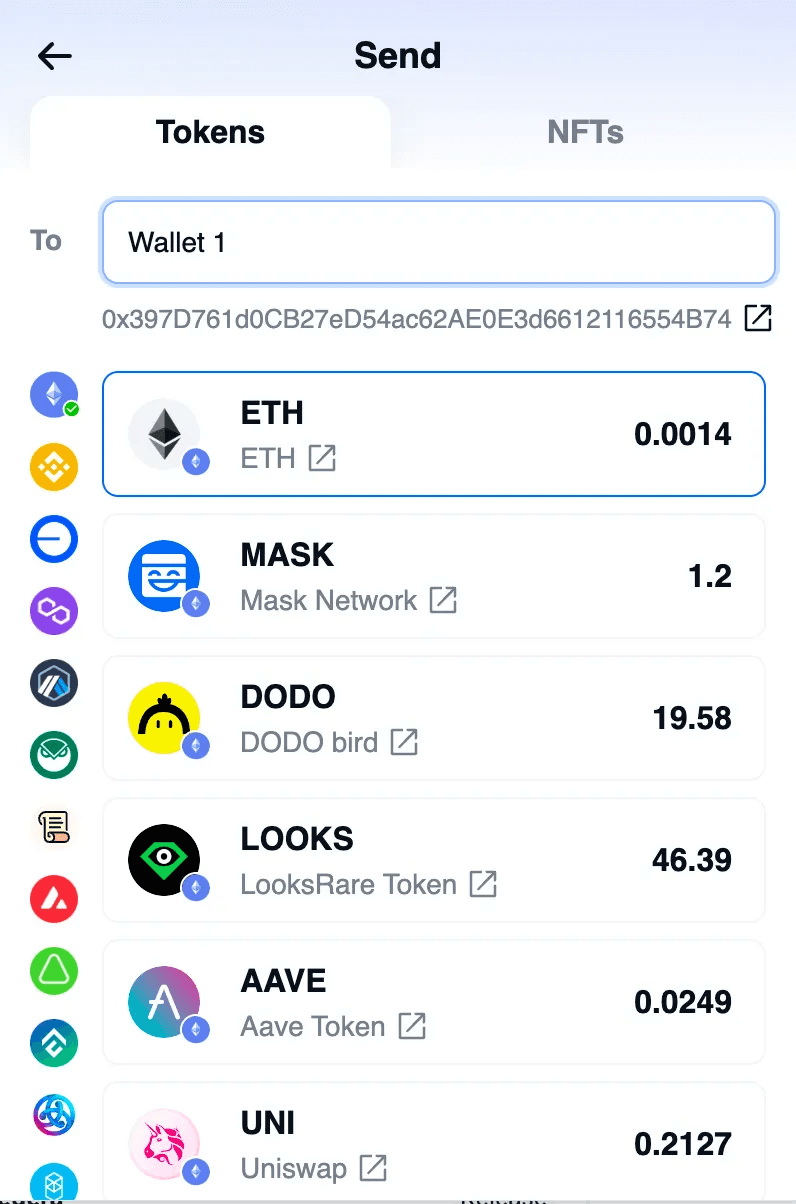
You can send a Token or NFT.
Token
Switch the chain on the left, and select the Token on the right.
Once selected, click “Confirm”.
Enter the amount to send and click “Next”.
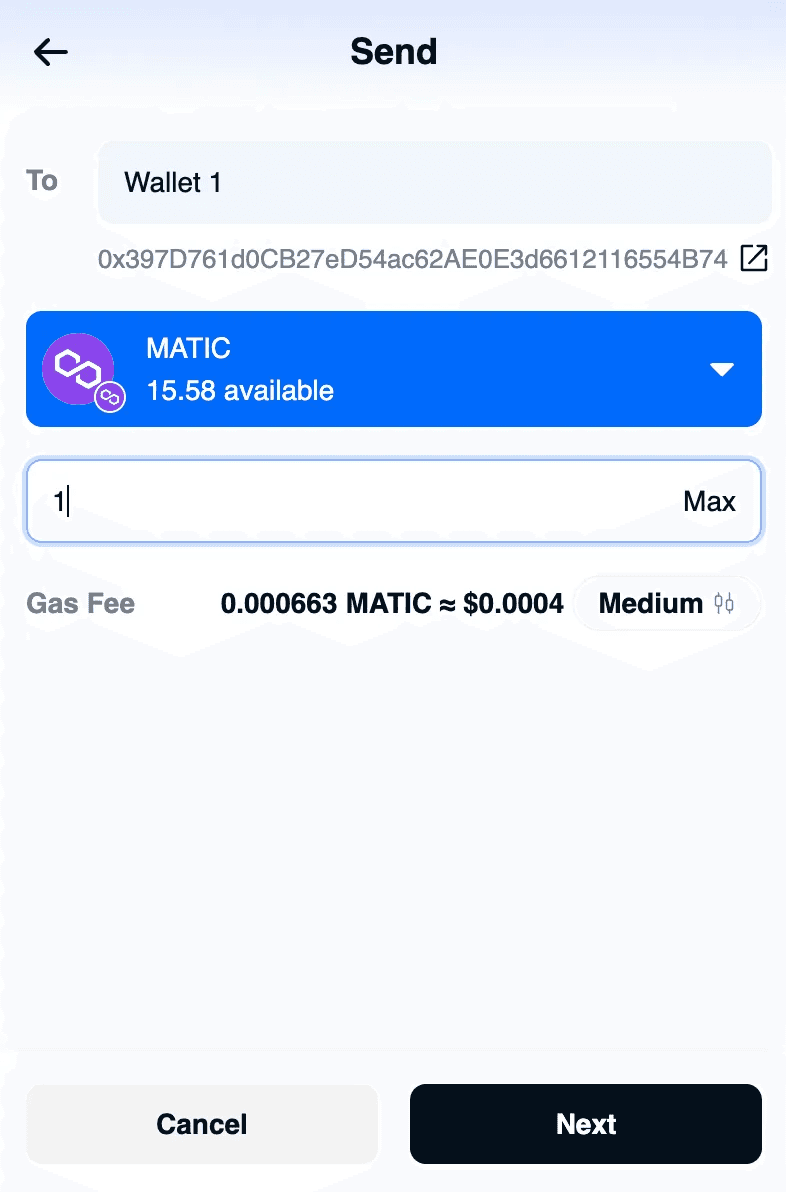
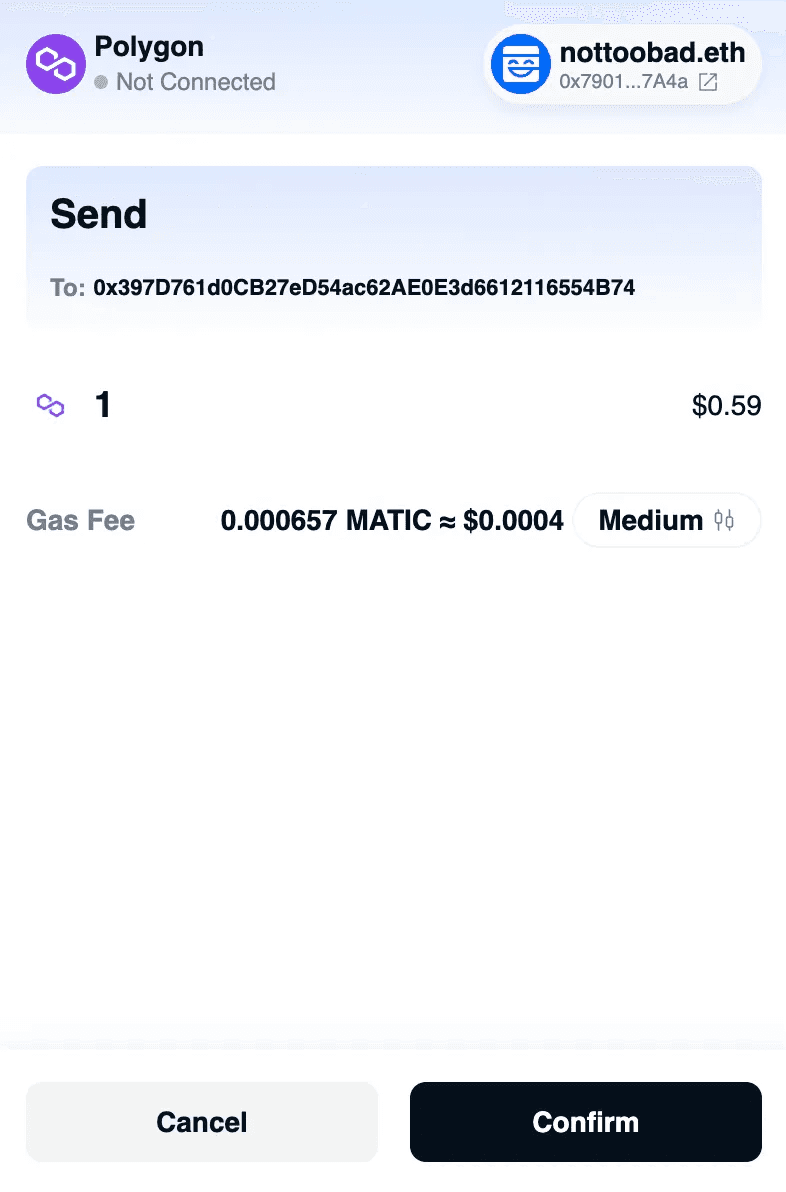
After previewing and confirming the details, click “Confirm”.
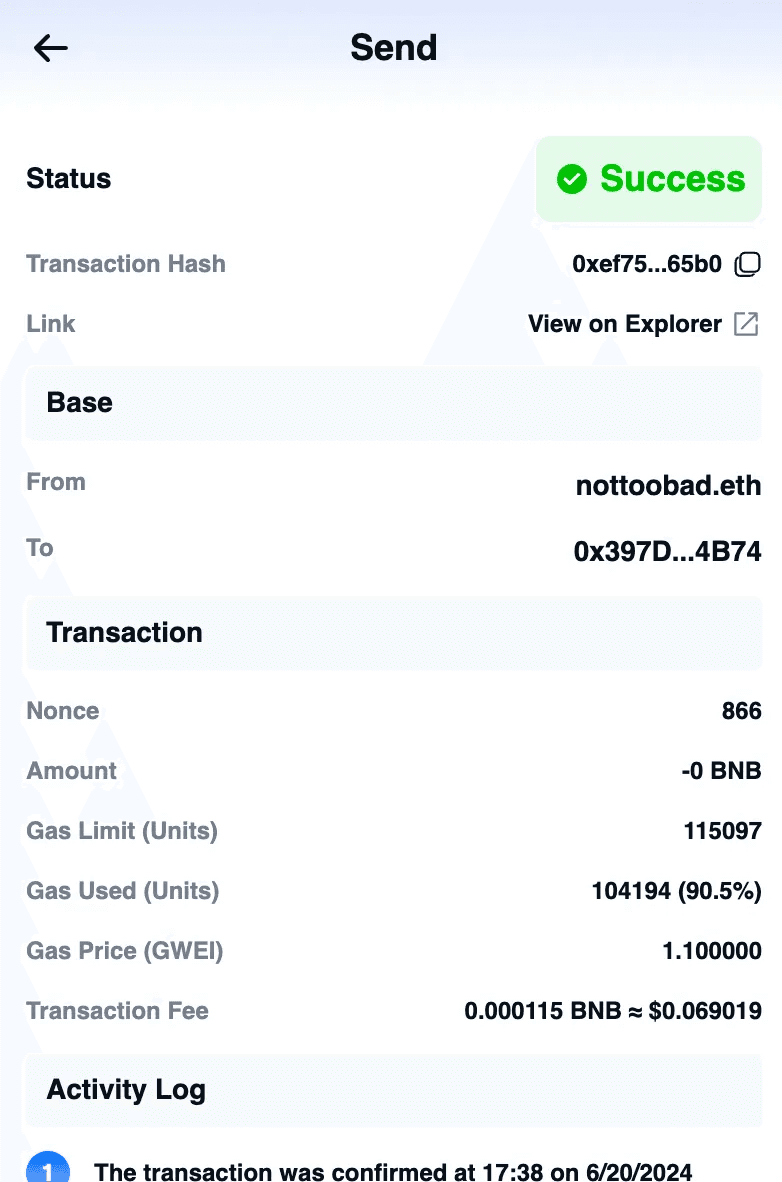
It will automatically navigate to the transaction record.
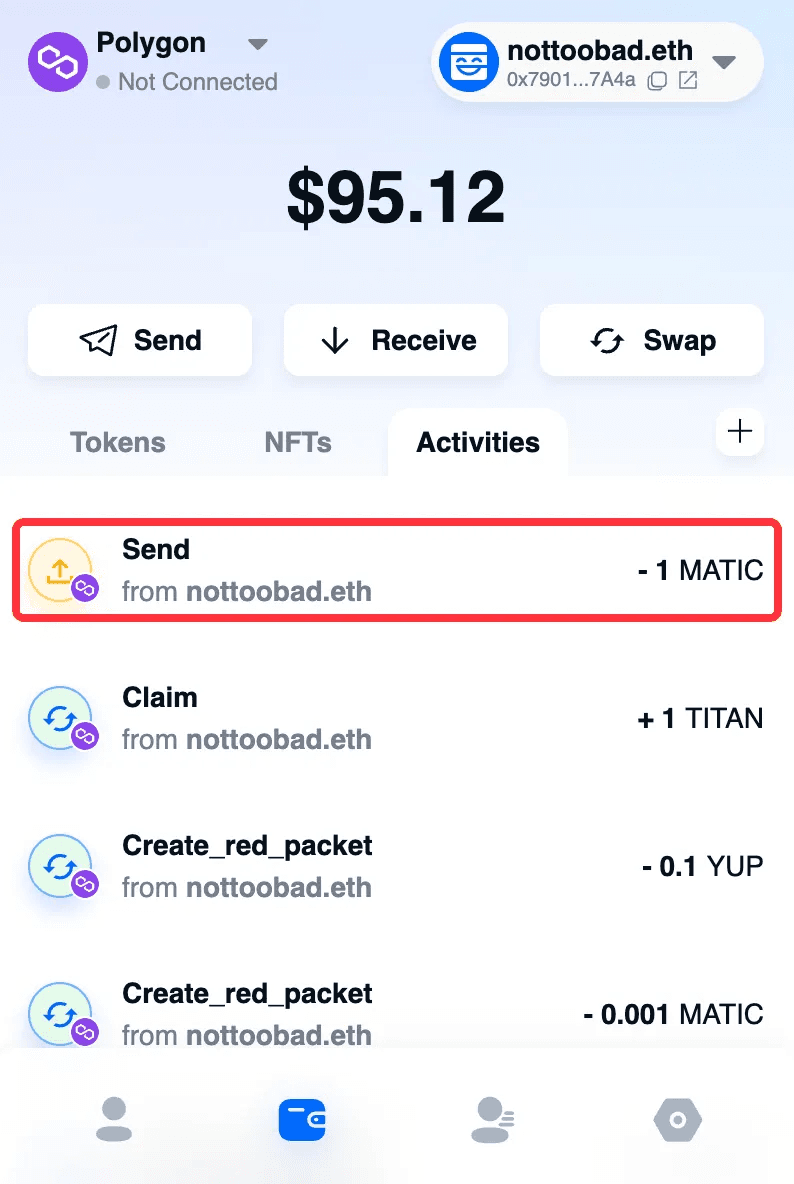
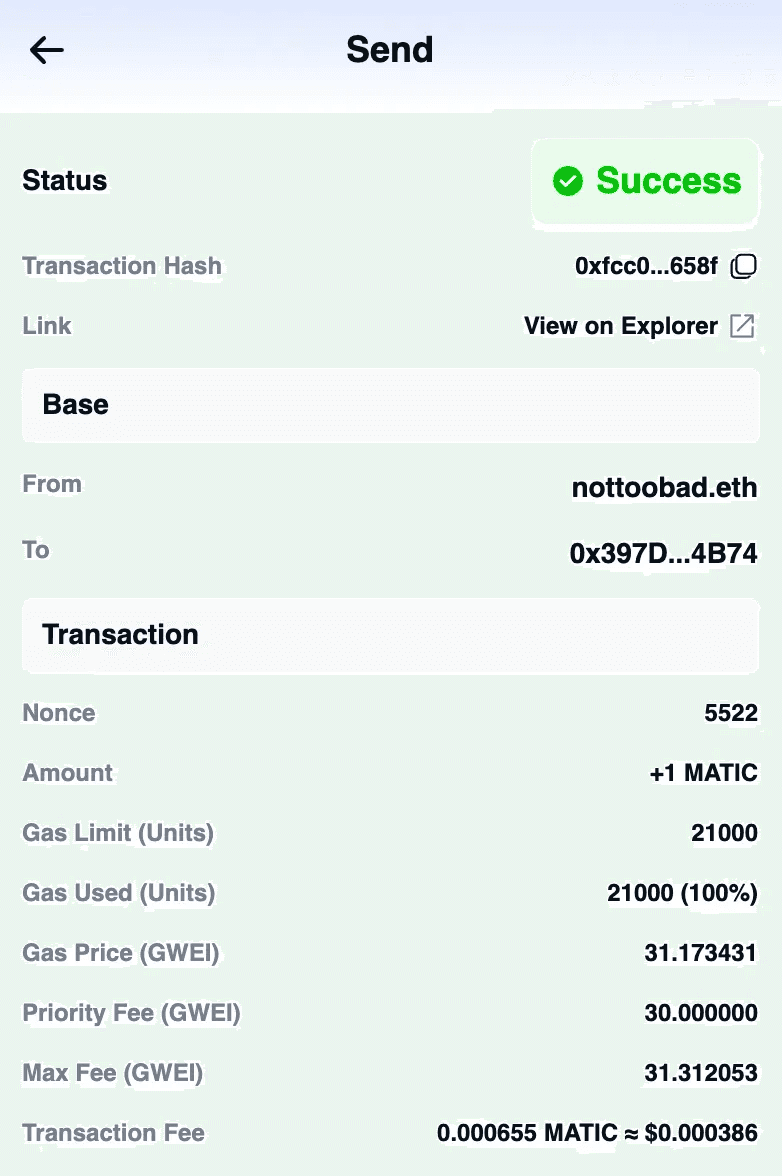
Click the record to view details.
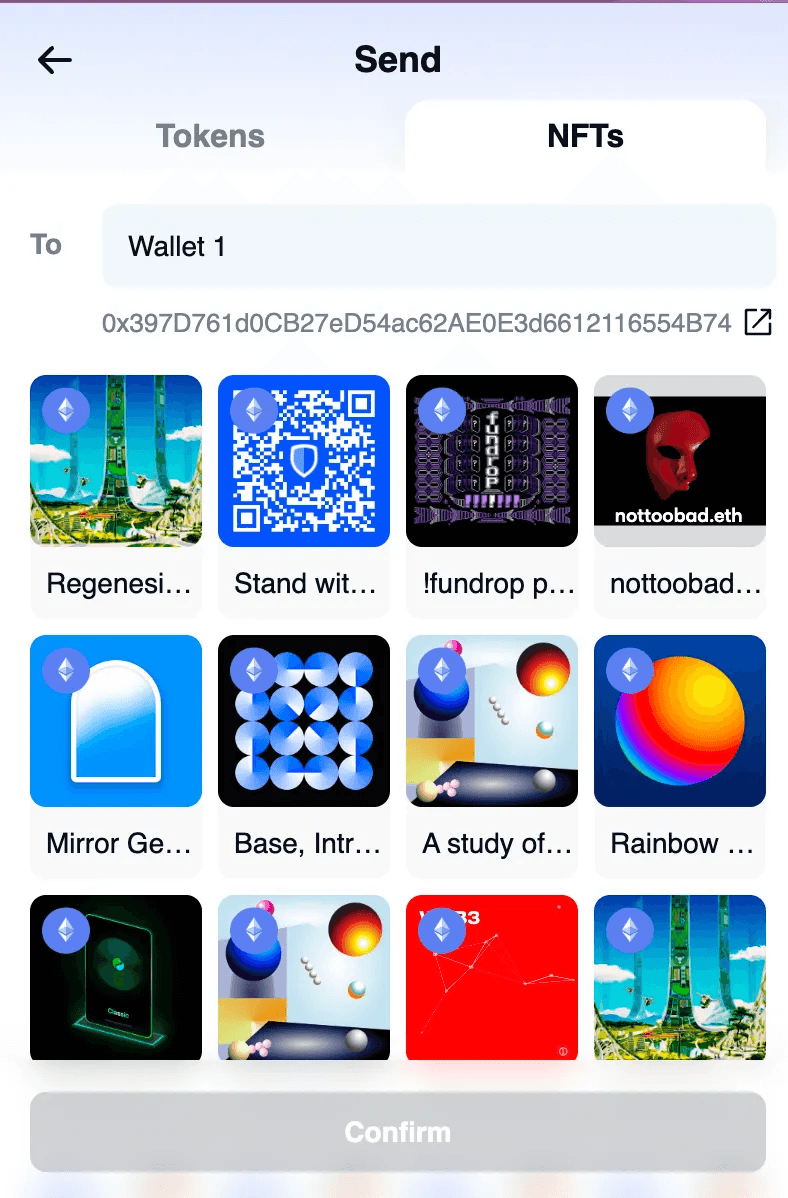
NFT
Switch the chain on the left and select the NFT on the right.
Once selected, click “Confirm”.
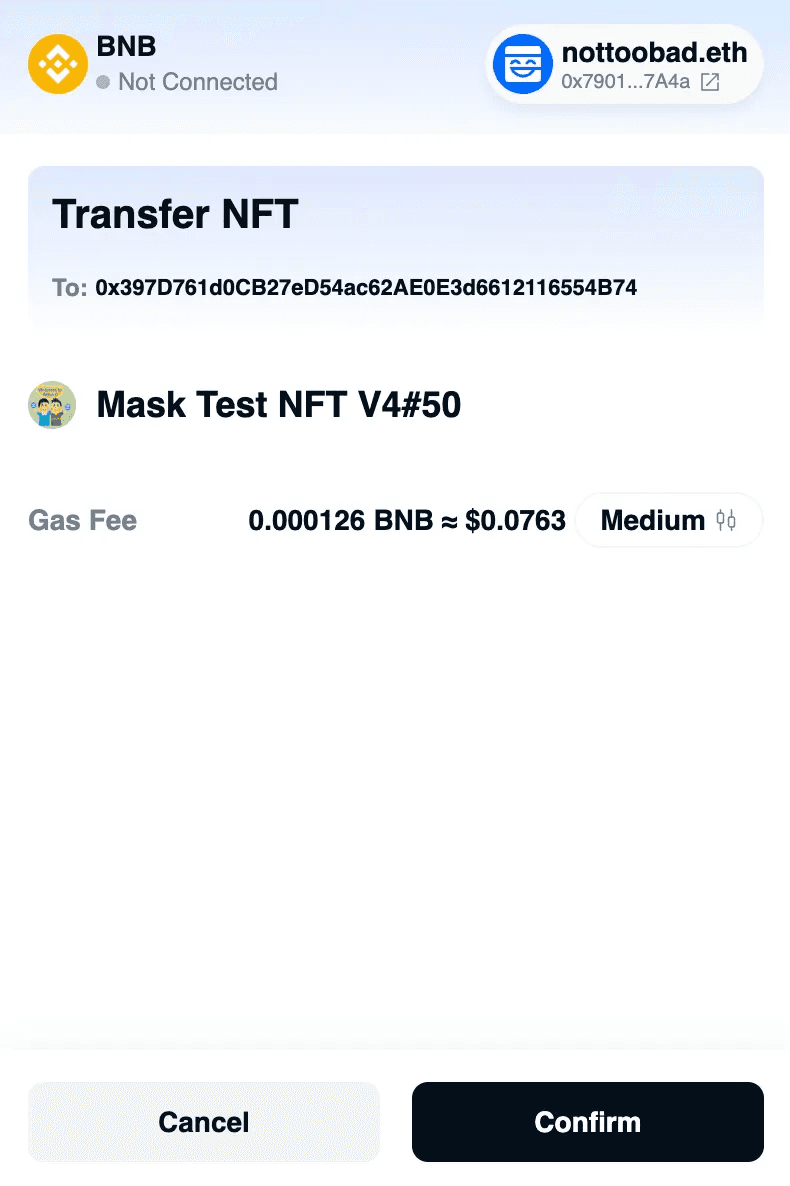
After previewing and confirming the details, click “Confirm”.
It will automatically navigate to the transaction record.
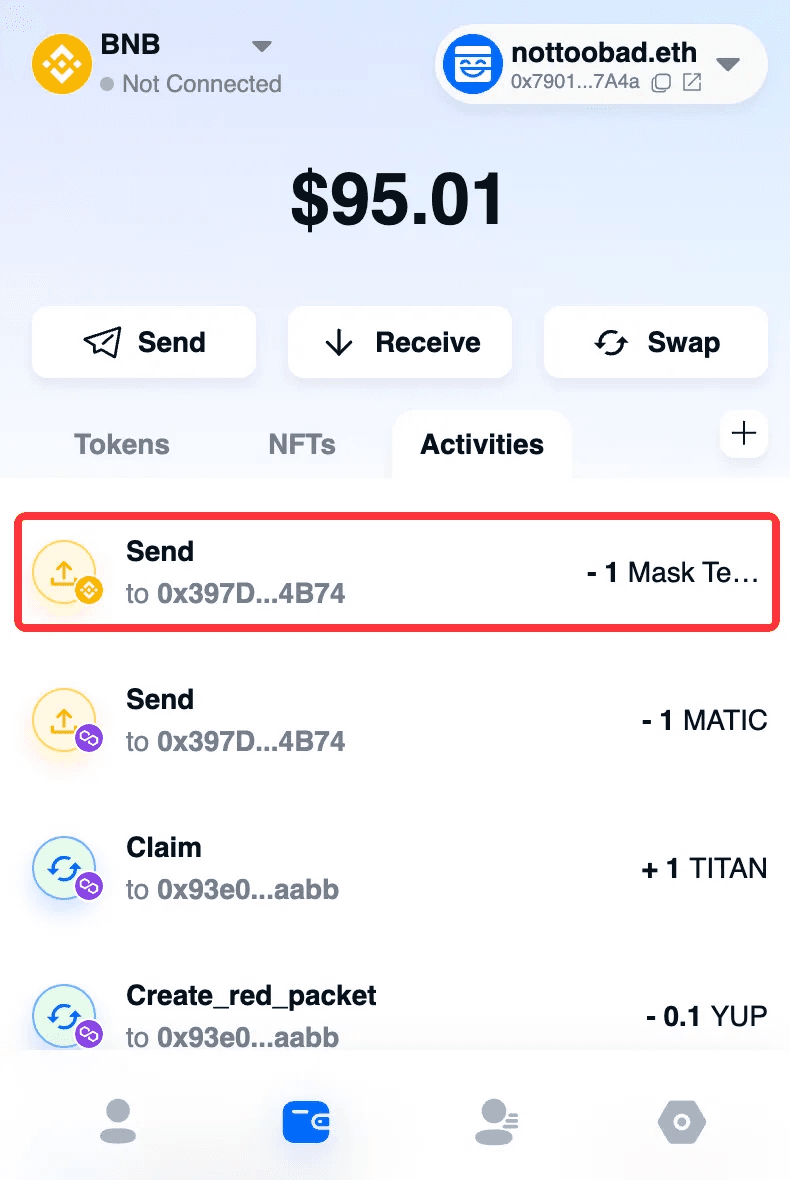
Click the record to view details.