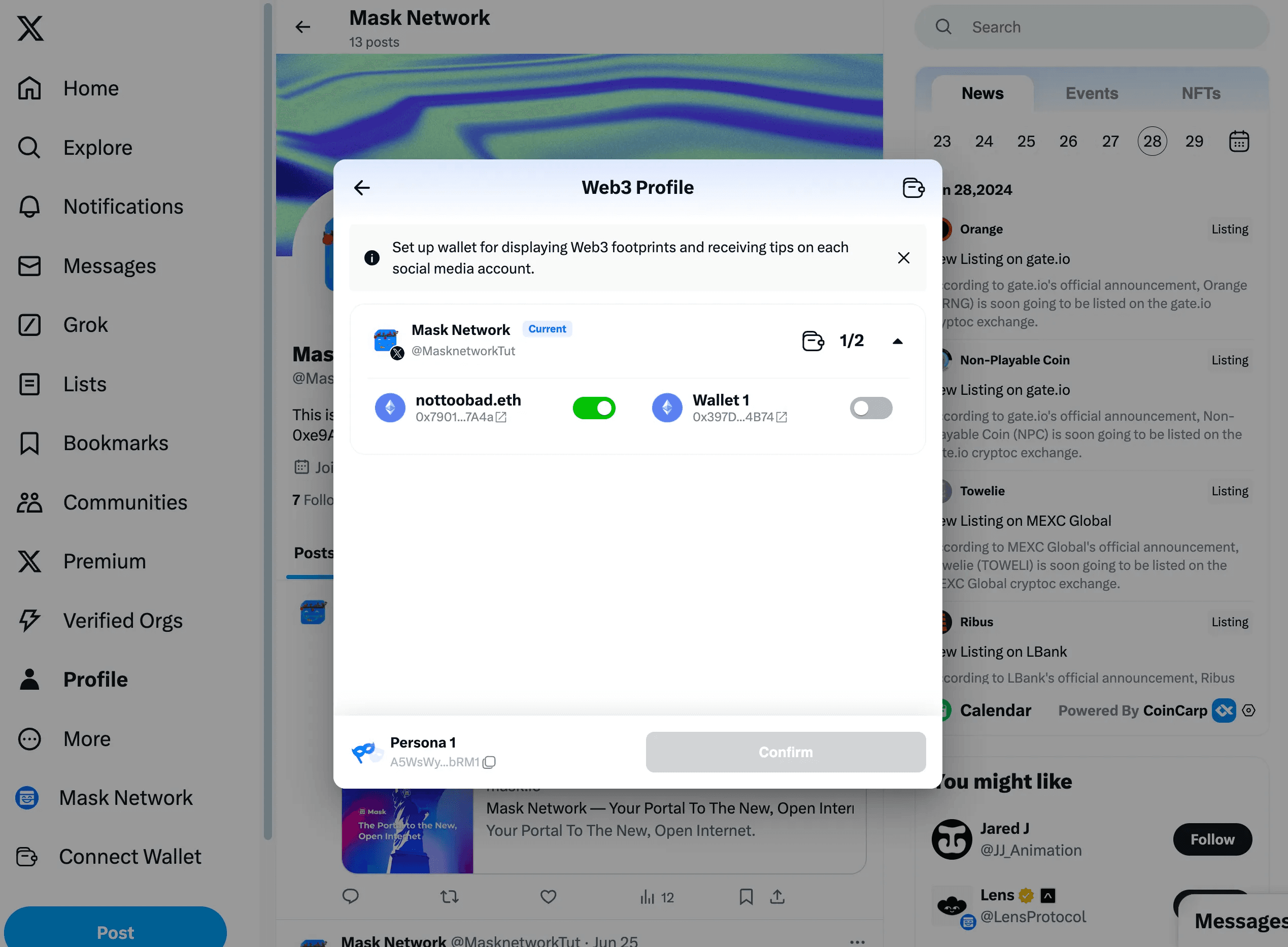
Web3 Profile
Mask has customized Web3 Profiles for individual users, Token Projects, and NFT Projects.
Viewing Methods
You have two ways to view them.
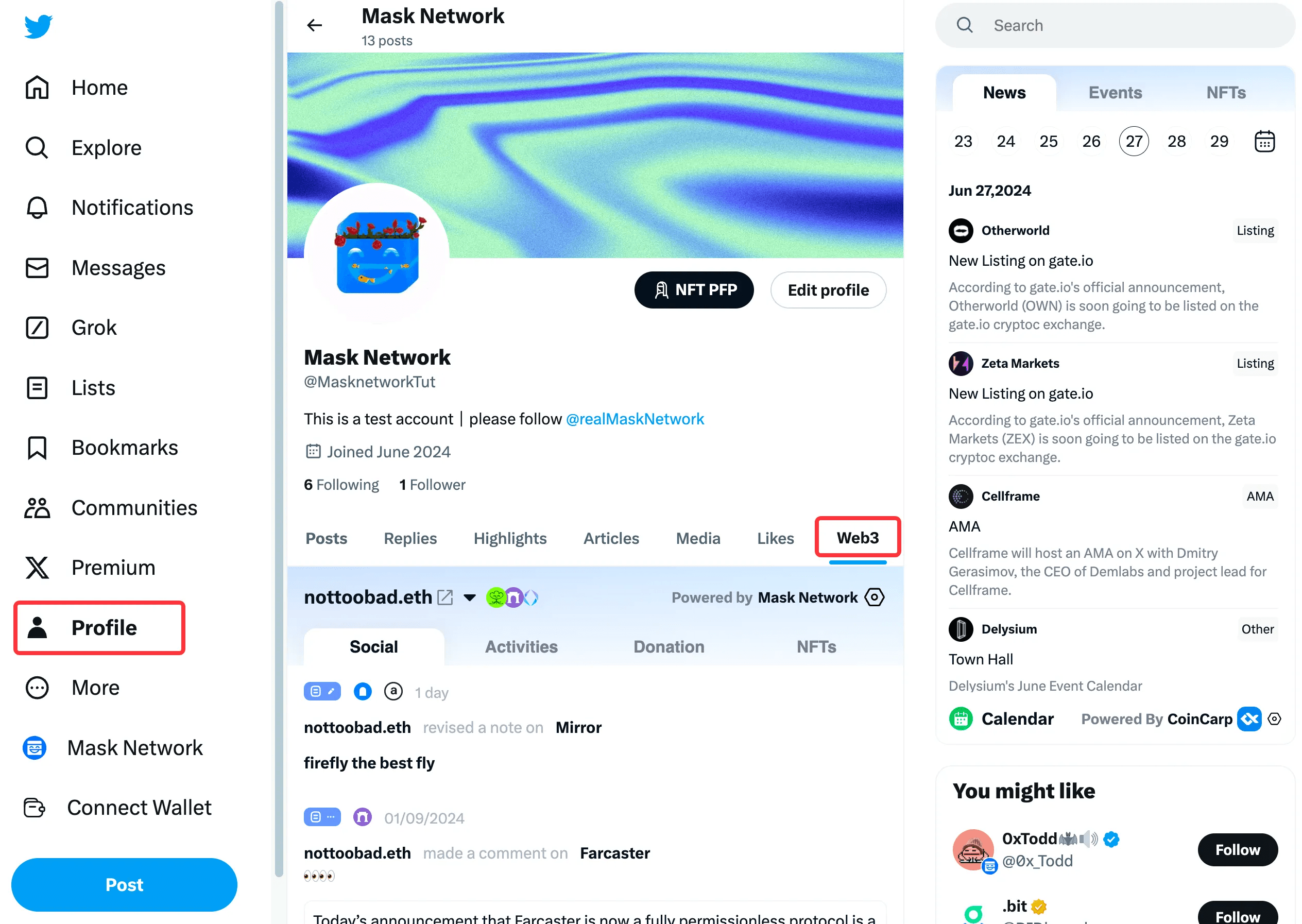
Through Profile View
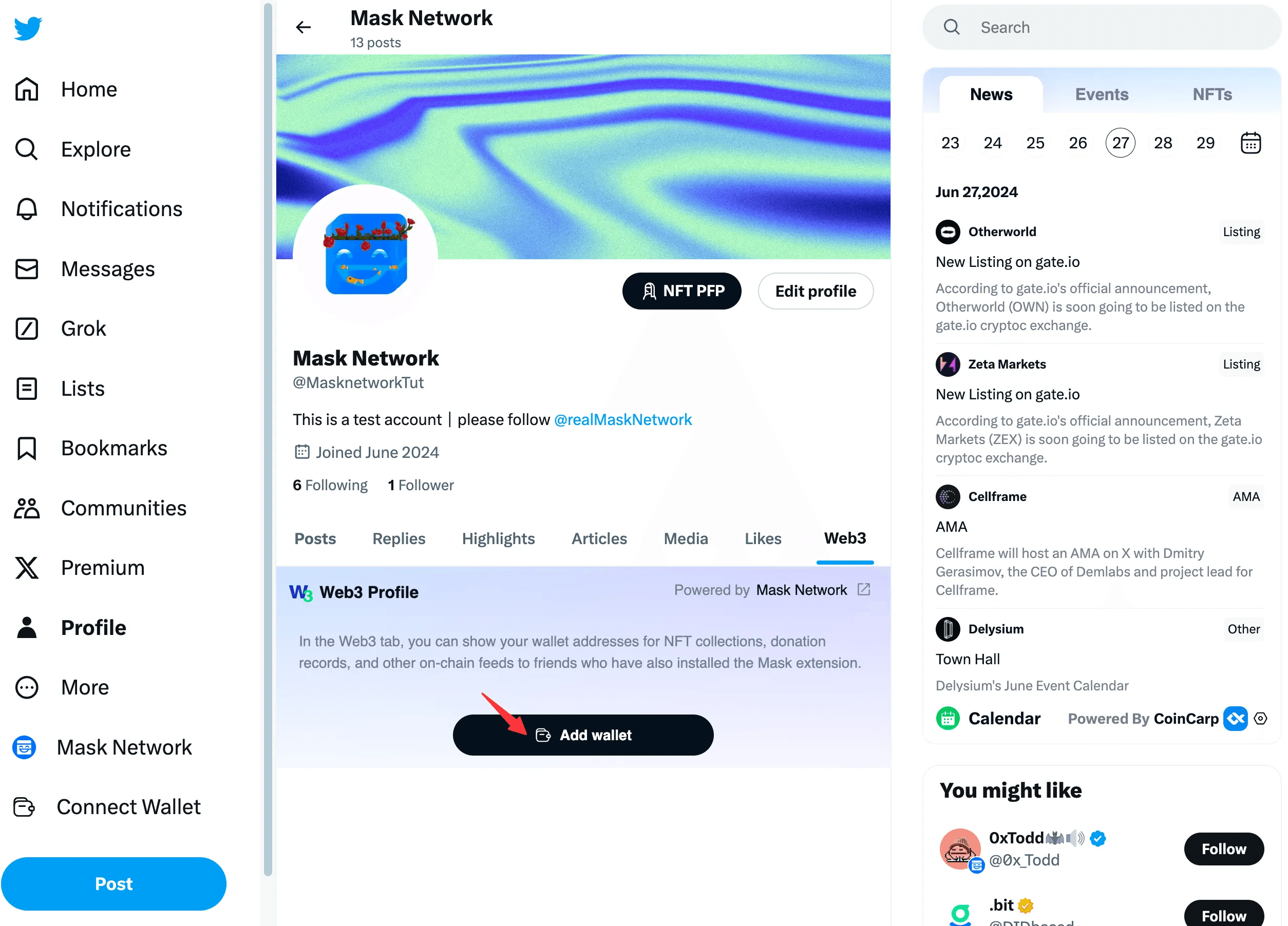
Click on your own or someone else's Profile. If Web3 data is found, you'll notice a new Web3 card at the end of the tab bar.
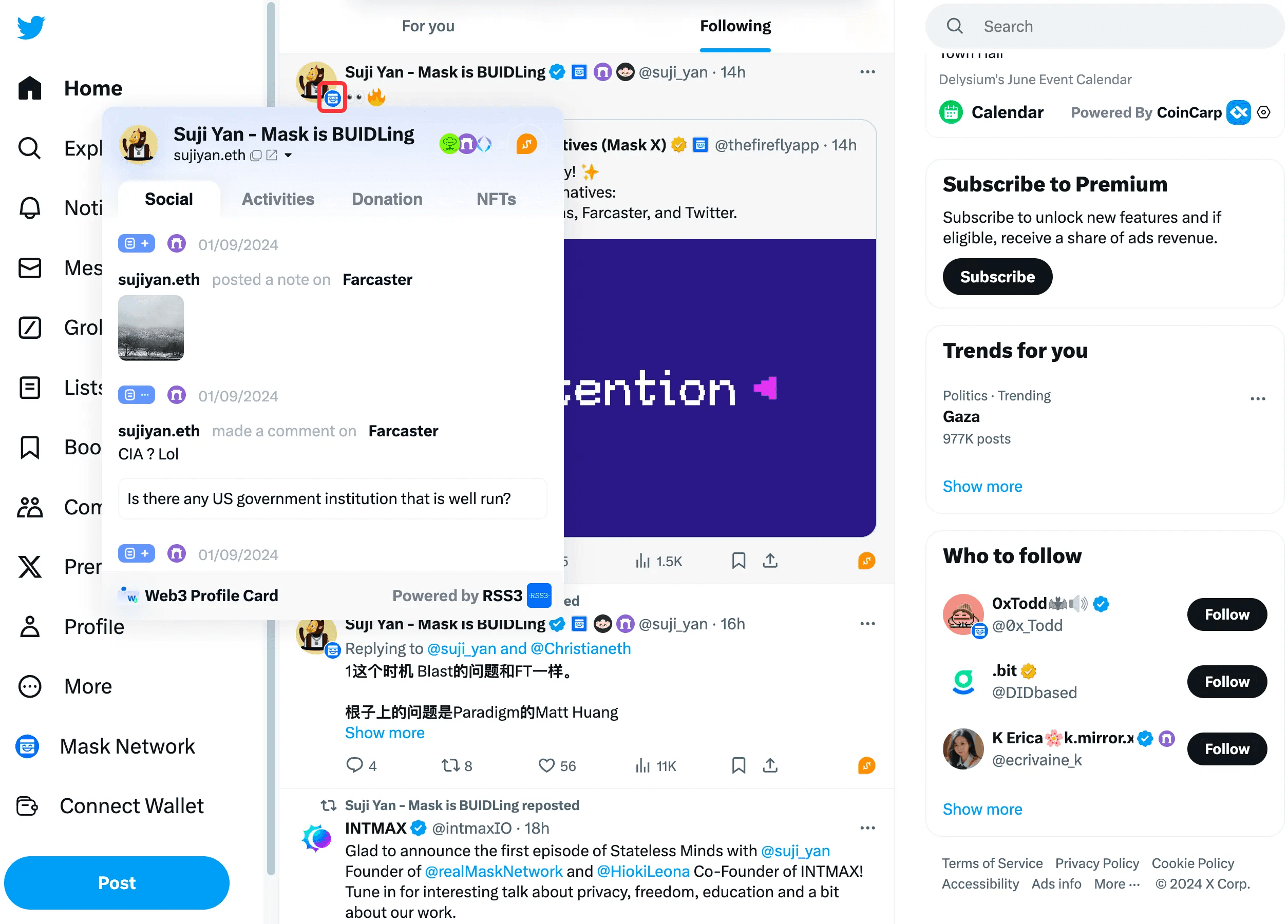
Through Hovering Over Avatar
For users with Web3 data, you will see a Mask icon at the bottom right of their avatar. Hovering over this icon will bring up the Web3 Profile.
Web3 Profile Introduction
Individual Users
The Web3 Profile for individual users (Powered by RSS3) includes Social, Transaction Activities, Donation, NFTs, and Project sections.
The wallet address displayed in the Web3 Profile is the address bound to your Persona.
Social: Displays social footprints.
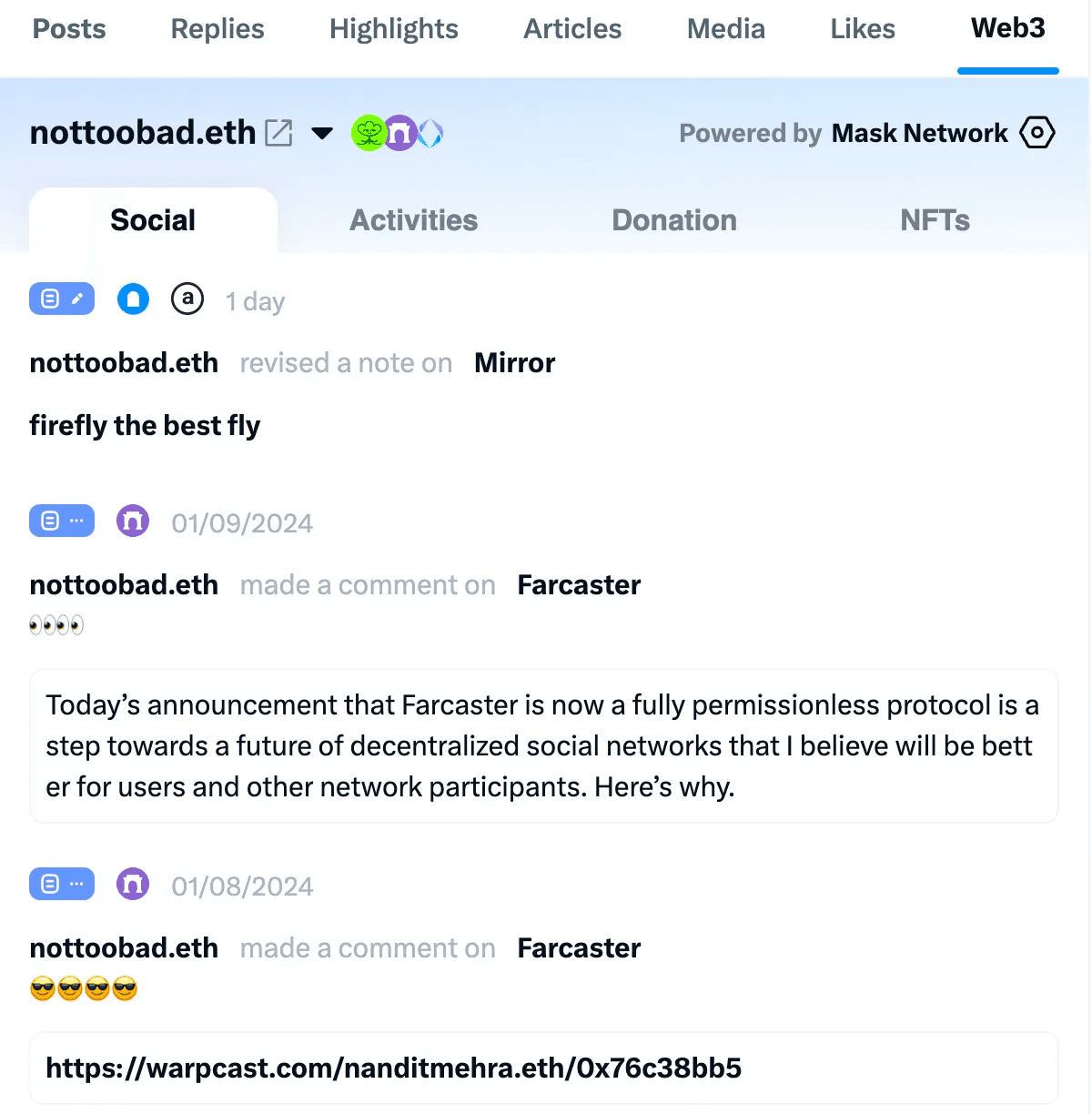
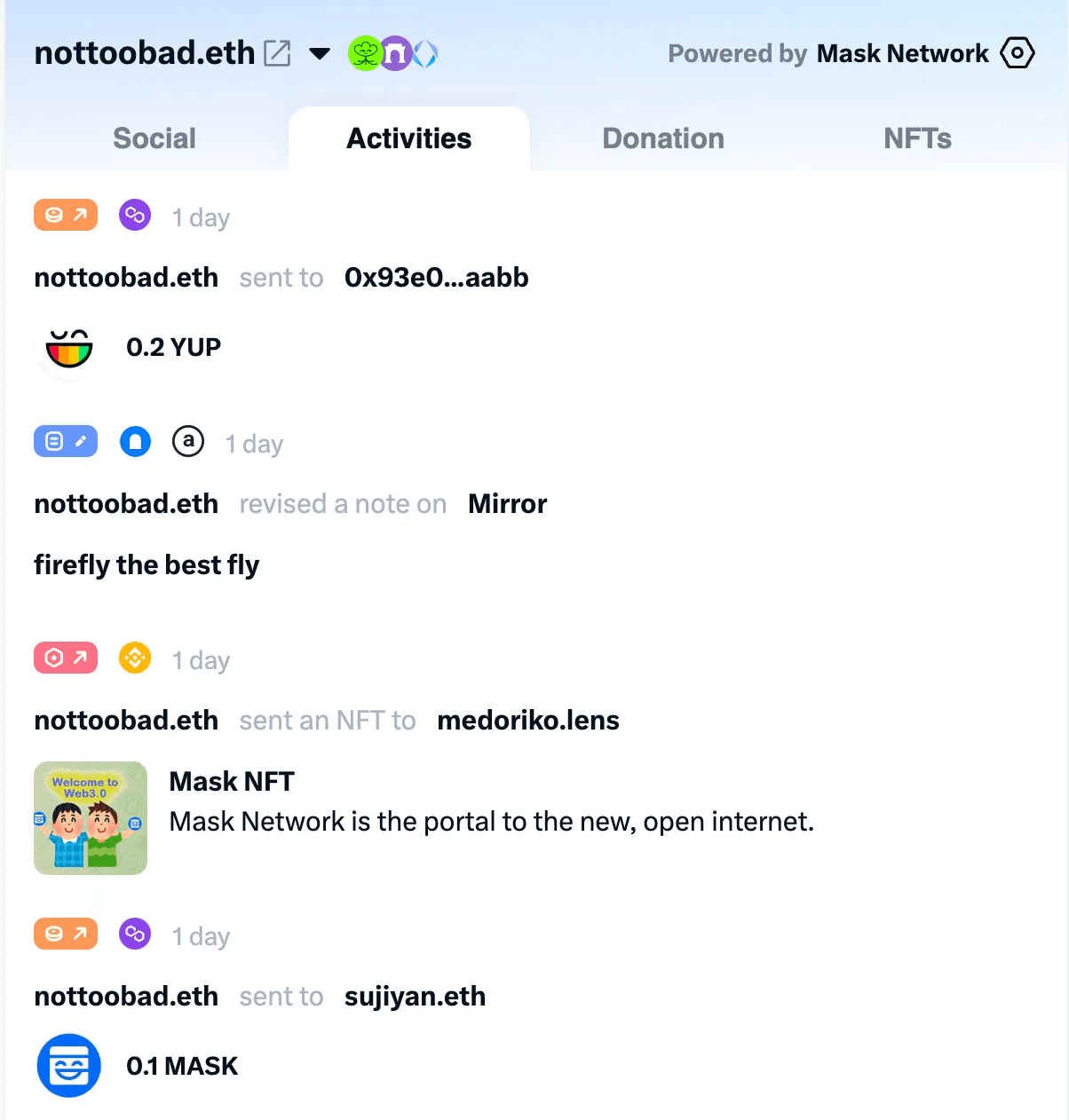
Activities: Displays transaction activities.
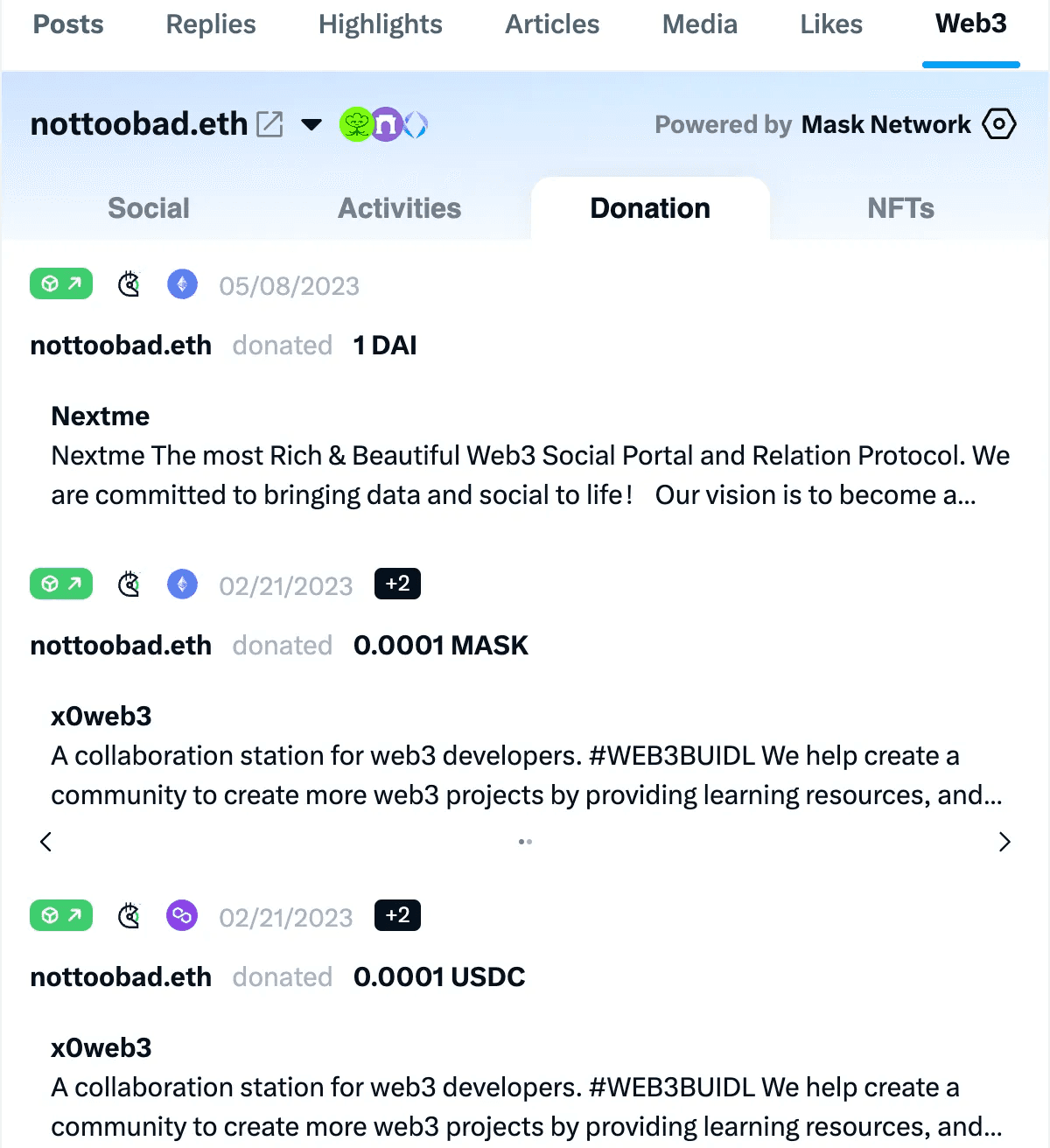
Donation: Displays donations on Gitcoin.
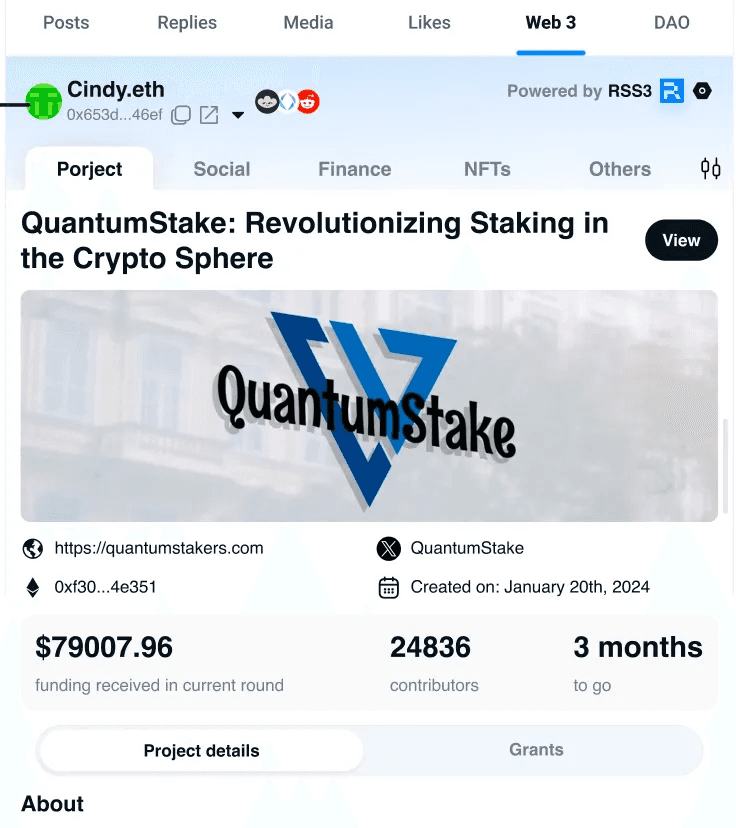
If the address is currently initiating a Gitcoin Project, a Project card will be the first to appear.
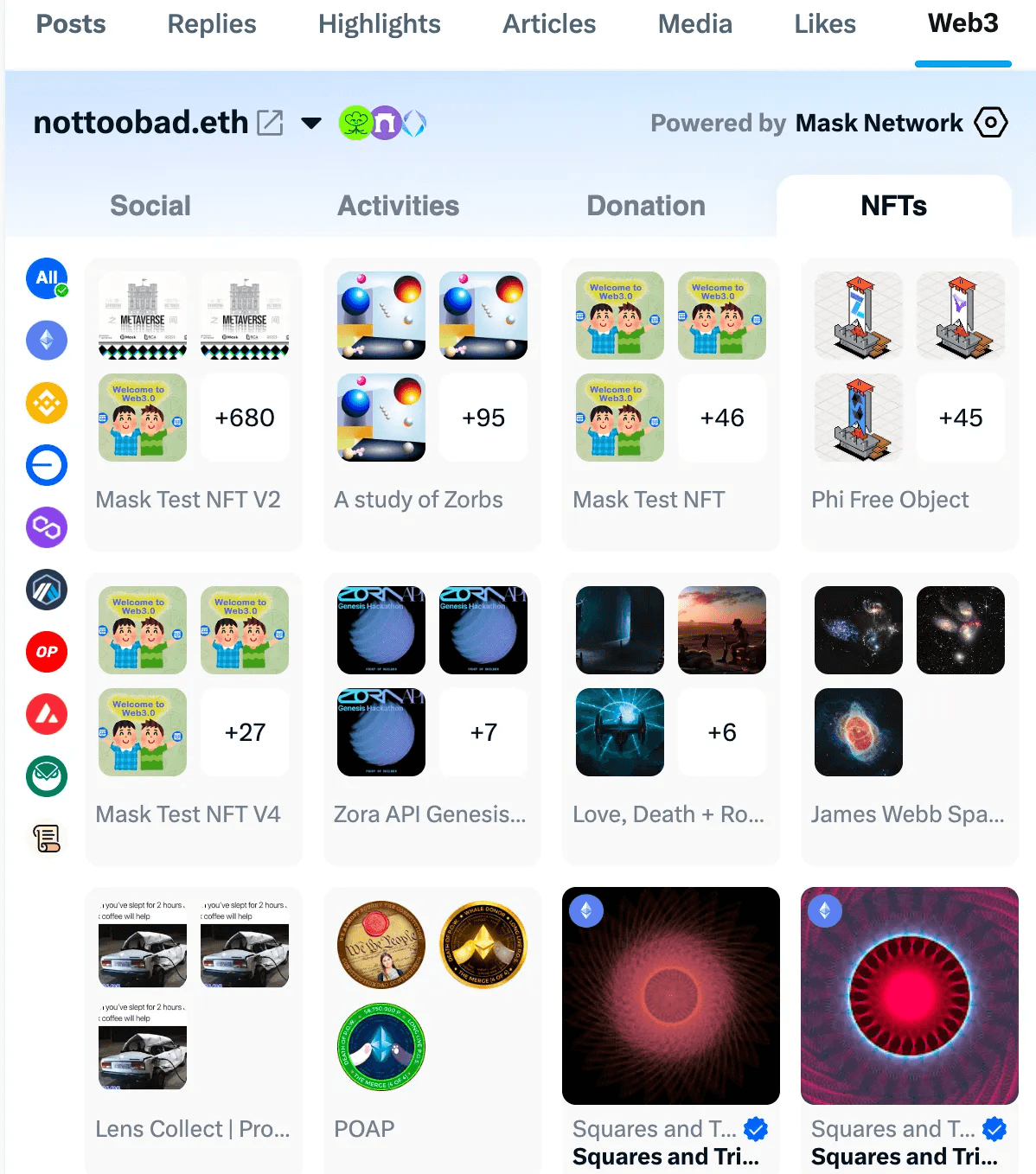
NFT: Displays NFTs held by the address.
💡 If you have not linked your social wallet, please link it first. Link and Unlink your social wallet
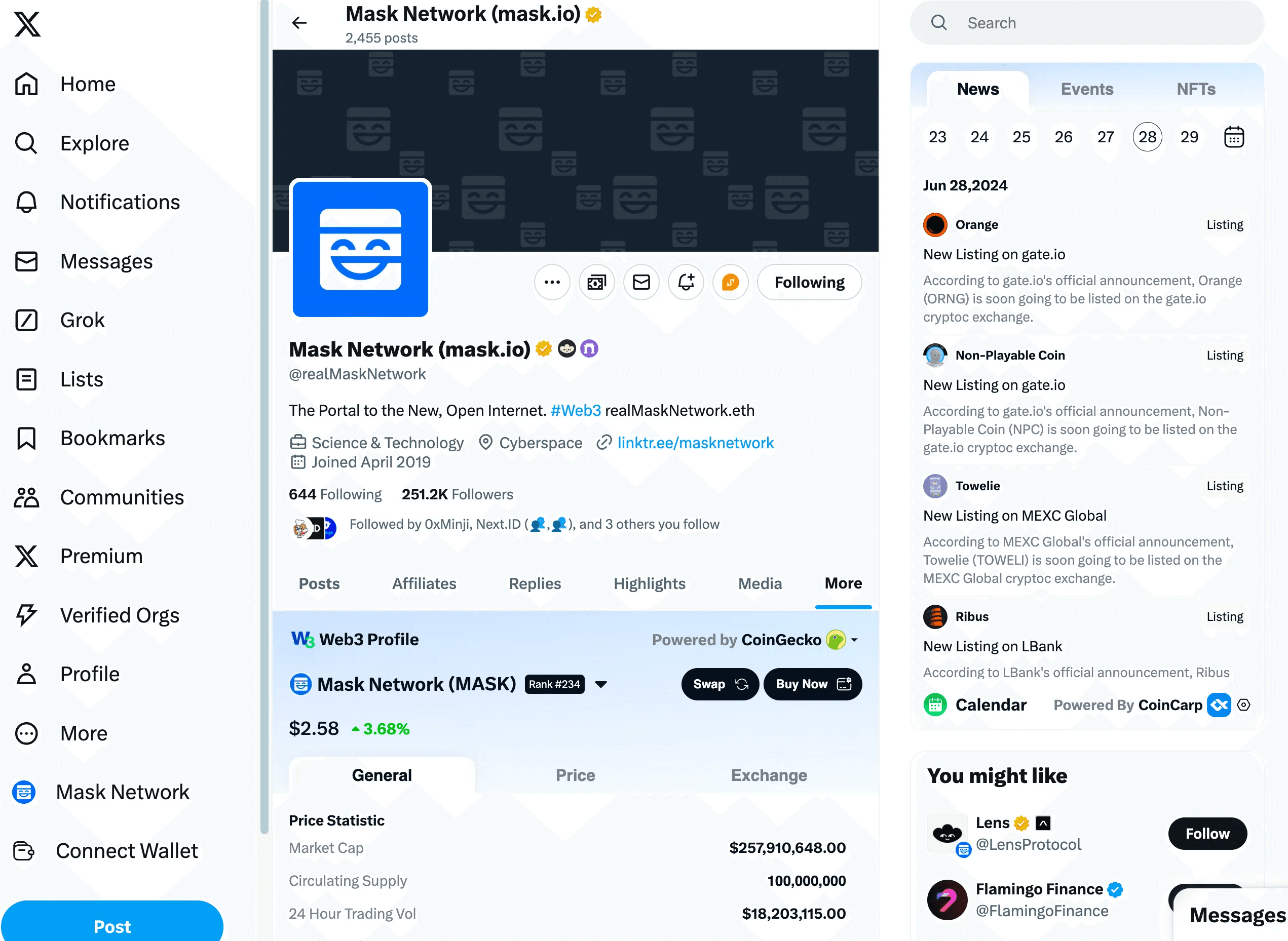
Token Project
Powered by CoinGecko and CMC.
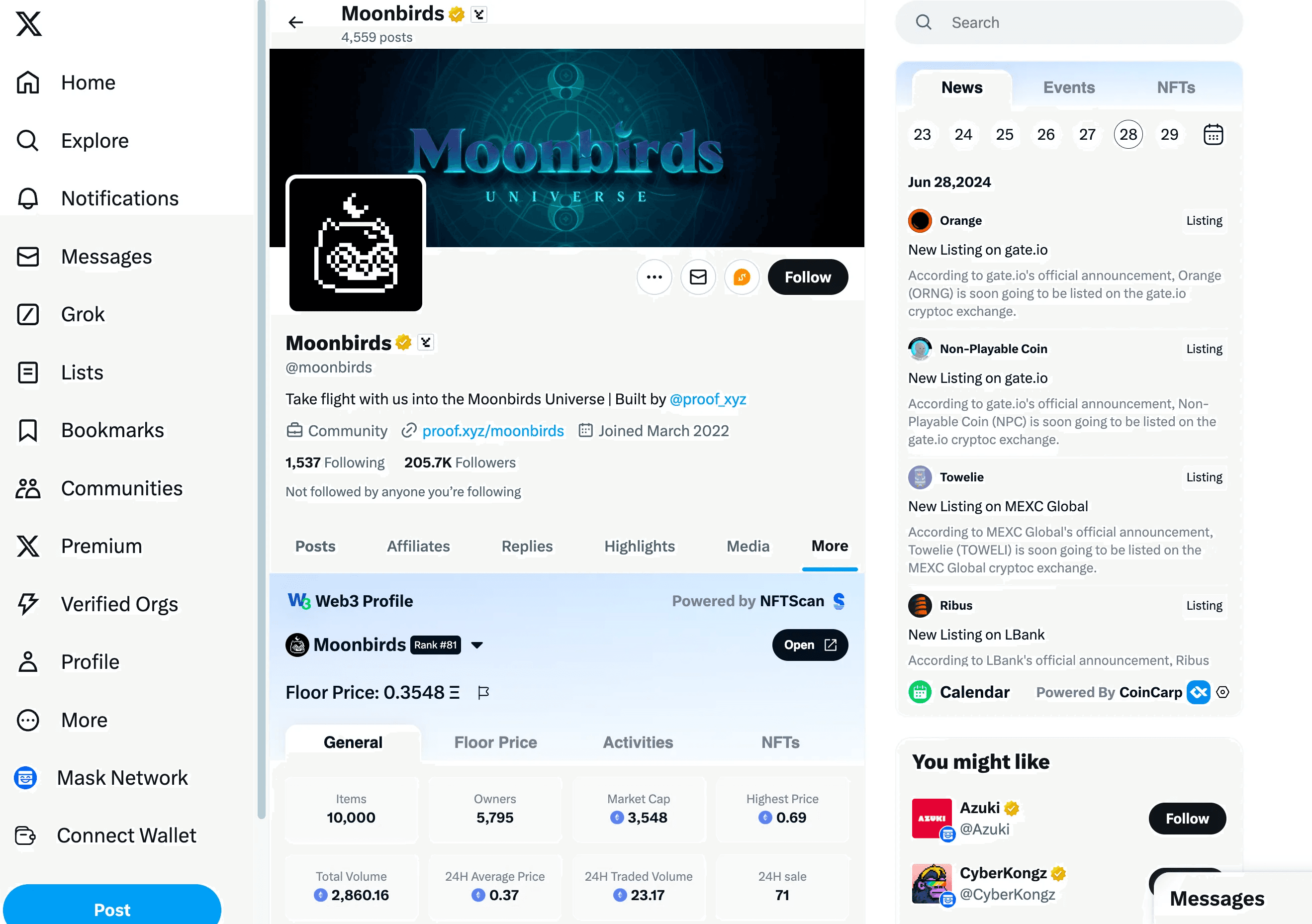
NFT Project
Powered by NFTScan.
Web3 Profile Settings
Click the Mask icon and select Web3 Profile in the Applications section.
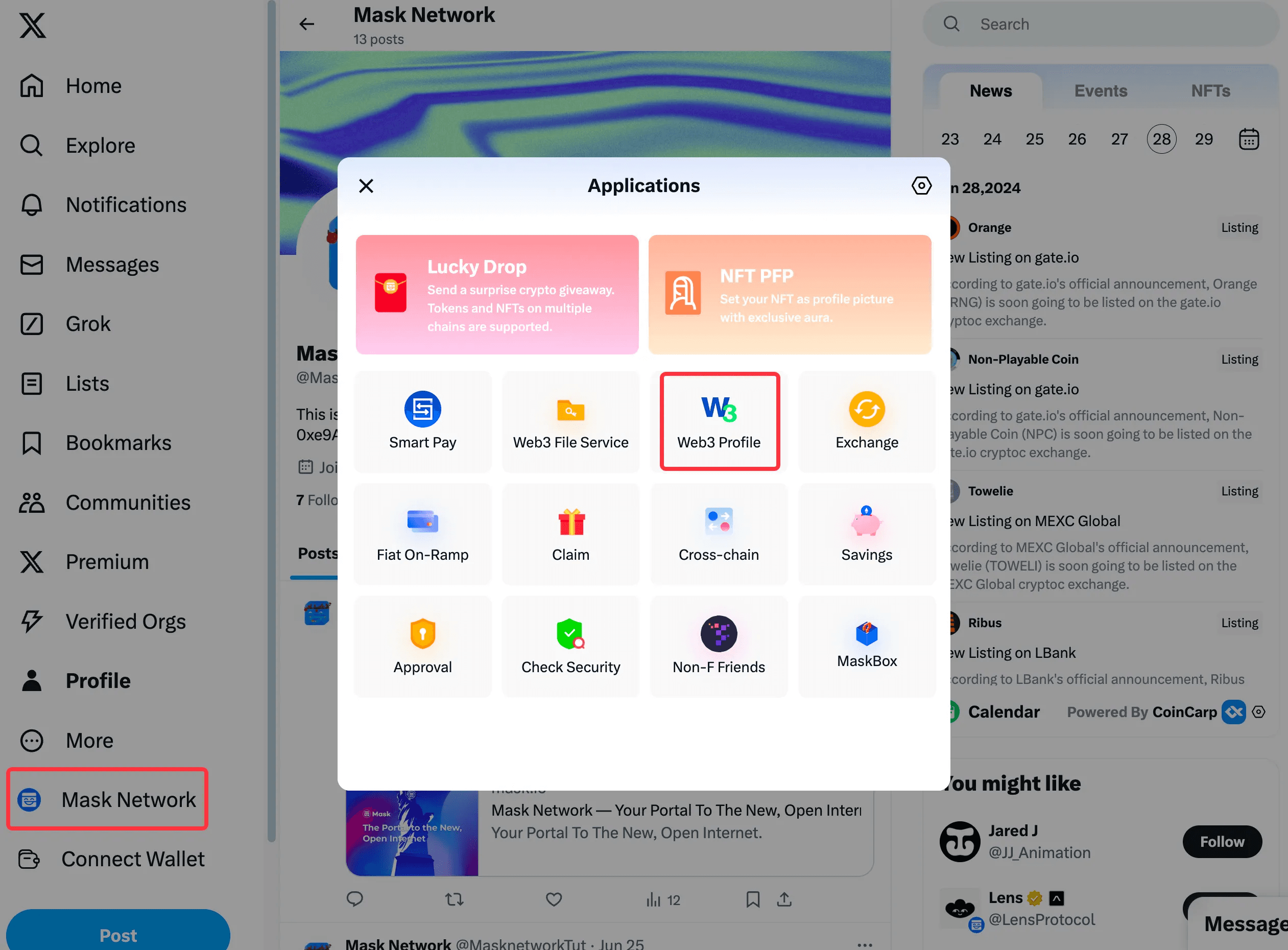
Here, you can manage the wallet addresses used for display.